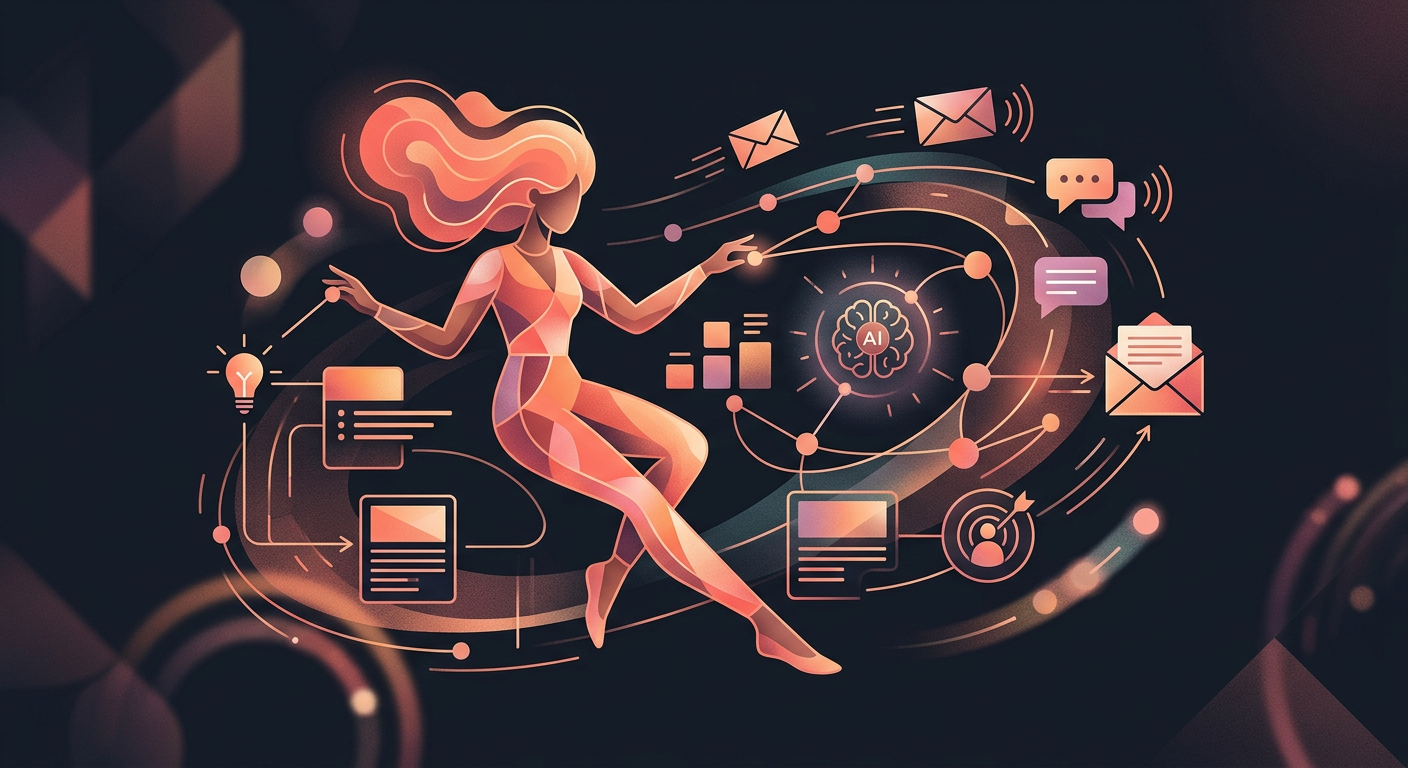
The New Era of Software Creation: No Code, All Vibe
The ability to build custom software has traditionally been guarded by technical gatekeepers. For years, if you wanted to create a specialized tool to curate content or automate a newsletter, you had to hire a developer or spend months learning syntax. That dynamic has shifted entirely. We have entered the era of vibe coding, a process where your vision and your ability to describe it are more important than your fluency in Python or JavaScript.
Building an intelligent email newsletter tool without coding experience is no longer a futuristic dream. It is a practical project you can complete in a weekend. By leveraging Large Language Models (LLMs) and intuitive automation platforms, you can transform from a consumer of technology into a builder. This guide explores how to harness these tools to create a personalized newsletter engine that curates, summarizes, and formats content exactly how you want it.
Understanding the Architecture of an AI Newsletter Tool
Before diving into the build, it is essential to understand what makes a newsletter tool intelligent. A standard newsletter tool simply sends emails. An intelligent one performs three main functions: discovery, synthesis, and delivery.
- Discovery: Finding high-quality sources, whether they are RSS feeds, social media threads, or specific websites.
- Synthesis: Using AI to read that data, filter it for relevance, and summarize it in your unique brand voice.
- Delivery: Sending that polished content to your subscribers via an email service provider.
In the world of vibe coding for women, we focus on how the technology feels and functions to serve a greater purpose. You are not just connecting APIs; you are designing an experience for your readers. To start, you do not need to look at a single line of code. You simply need to understand the glossary of terms used in the AI space and have a clear vision of your final product.
Step 1: Defining Your Data Sources
An intelligent tool is only as good as the information it processes. The first step in building your tool is deciding where the intelligence starts. You might want your tool to scan specific industry blogs, or perhaps you want it to monitor trending topics on niche forums.
Imagine a tool that watches five specific AI news sites. Instead of you visiting each site daily, your tool can use a simple automation service like Zapier or Make to pull the titles and links into a central database. This database acts as the brain of your newsletter. If you feel overwhelmed by the technical setup, remember that VibecodHER provides the framework to think through these logic steps clearly.
Step 2: The Power of the Prompt
This is where vibe coding truly shines. Instead of writing code to analyze text, you write a prompt. In the context of building your newsletter tool, the prompt is the set of instructions you give to an AI model (like GPT-4o or Claude) to tell it how to behave.
For example, your prompt might look like this: "You are an expert curator for a community of female tech founders. Review these five articles. Pick the three most relevant ones. Summarize them in a warm, encouraging tone using bullet points. Ensure the summary explains why this matters to a non-technical audience."
By refining this prompt, you are essentially programming your software through natural language. This is a core pillar of what we teach in our workshops. You are setting the vibe for the content before it ever hits an inbox. This ensures that even though an AI is doing the heavy lifting, the final output feels human and aligned with your personal brand.
Step 3: Connecting the Dots with No-Code Automation
To build your tool without coding experience, you will use a "glue" platform. These platforms allow you to connect different apps using simple logic. Here is a typical workflow for an intelligent newsletter builder:
- Trigger: A new article is posted to an RSS feed or a specific Google Sheet row is updated.
- Action: Send that text to an AI module (like OpenAI or Anthropic) using the prompt you created in Step 2.
- Action: Take the summary generated by the AI and save it to a draft in your email platform, such as Beehiiv or Mailchimp.
This workflow creates a semi-automated system. You act as the final editor, ensuring everything looks perfect before hitting send. This approach balances the efficiency of AI with the critical eye of a human curator. As a member of the first women-led vibe coding community, you have access to a network of peers who are building similar flows and sharing their best practices.
Overcoming the "Technical" Mindset Barrier
The biggest hurdle to building an intelligent tool is often the belief that you are not technical enough. We need to dismantle the idea that building requires a computer science degree. If you can explain a process to a friend, you can build an AI tool.
Vibe coding is about the translation of human ideas into digital reality. Inside our community, we see women from backgrounds in marketing, art, and healthcare building complex tools because they focused on the output and the user experience rather than the syntax of the language.
When you stop worrying about the "how" of the code and start focusing on the "what" of the result, you unlock a new level of creativity. The women-led vibe coding community is centered on this shift. We value the vision and the vibe over the traditional technical grind.
Step 4: Iteration and Refinement
Your first version of your newsletter tool will not be perfect. The AI might summarize things too briefly, or the formatting might look a bit off. This is part of the process. In traditional development, fixing these issues involves debugging lines of code. In vibe coding, you simply talk to the AI more.
If the summary is too dry, tell the AI: "Make it more conversational." If the summaries are too long, tell the IA: "Keep each summary under 100 words." You are iterating in real-time. This feedback loop is what makes building with AI so empowering for those without traditional coding experience.
Actionable Takeaways for Your Newsletter Tool
If you are ready to start building today, here are the steps to follow:
- Choose your niche: Be specific about what your newsletter will cover to help the AI stay focused.
- Select your stack: Use a combination of a data source (RSS/Google Sheets), an AI model (OpenAI/Claude), and an automation tool (Make/Zapier).
- Write a detailed persona prompt: Define the voice of your newsletter clearly within your AI instructions.
- Test with a small sample: Run a few articles through your system to see how the AI handles the summaries before you automate the whole process.
- Join a support system: Do not build in a vacuum. Surround yourself with others who are on the same journey.
Building an intelligent email newsletter tool is just the beginning. Once you realize you can build your own tools, you start seeing opportunities everywhere to automate the boring parts of your life and amplify the creative parts.
Join the free VibecodHER community
Frequently Asked Questions
Do I need to pay for a subscription to build this tool?
Most of the tools mentioned offer free tiers or low-cost entry points. You will likely need a small budget for AI API usage (which is usually pay-as-you-go) and an automation platform if your volume of emails or data is high. However, you can build a functional prototype for little to no cost.
How much time does it take to set up an automated newsletter?
If you have your sources ready, a basic automated workflow can be set up in about one to two hours. The majority of your time will be spent "vibe coding" your prompts to ensure the AI speaks in your voice. Once the logic is set, it runs on its own.
Can I use this for a daily newsletter or just weekly?
Your tool can be configured for any frequency. The beauty of an intelligent tool is that it does not get tired. It can curate and summarize content every morning at 6 AM so that your draft is ready for you to review by the time you sit down with your coffee.
What if the AI makes a mistake in a summary?
This is why we recommend a "human-in-the-loop" system. Instead of having the AI send the email directly to your subscribers, have it save the content as a draft. This gives you the opportunity to do a quick five-minute review to ensure everything is accurate and aligned with your vibe before it goes out. Ready to dive deeper into the world of AI building and empowerment? Join the free VibecodHER community