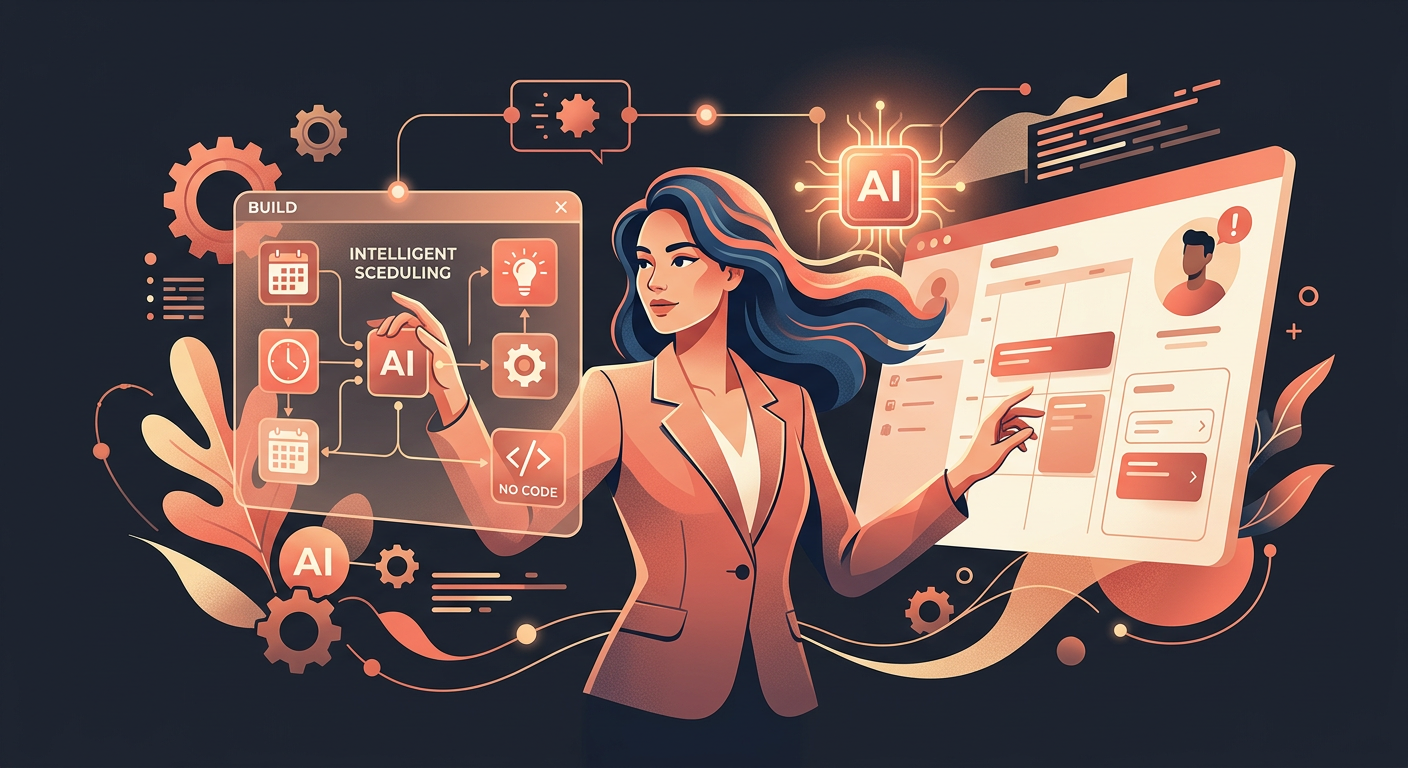
The Shift from Manual Input to Intelligent Automation
For a long time, the barrier to creating custom software was a steep cliff. If you wanted to build an intelligent scheduling app tailored to your specific workflow, you either had to spend years learning Python and JavaScript or hire a developer to translate your vision into logic. That dynamic has fundamentally shifted. Today, the rise of large language models (LLMs) and intuitive AI platforms has introduced a new paradigm often referred to as vibe coding.
Building an intelligent scheduling app without coding experience is no longer a futuristic dream. It is a practical reality for creators, entrepreneurs, and visionaries who understand that the most important part of software is the logic and the user experience, not the syntax of the code. This guide will walk you through the conceptual and practical steps of leveraging AI to build a sophisticated scheduling tool that actually understands your needs.
Understanding Vibe Coding for Women
At the heart of this movement is a concept we champion at kacibrown.co: vibe coding for women. This approach prioritizes natural language and intuitive design over rigid programming structures. Instead of debugging lines of code, you are describing your vision to an AI assistant that handles the technical execution. This lowers the barrier to entry into the tech space, allowing more women to lead in the development of tools that solve real-world problems.
By focusing on the "vibe" - the essence, the flow, and the intent of the application - you can maintain high-level creative control. When we talk about building apps today, we are talking about being the architect rather than the bricklayer. This method is central to VibecodHER, where we explore how AI can act as your technical co-founder.
Identifying the Problem Your Scheduler Solves
Before you open any AI tools, you must define the problem. A generic calendar is easy to find, but an intelligent scheduling app solves specific friction points. Consider these scenarios:
- A scheduler that prioritizes deep work blocks based on your energy levels.
- An automated assistant that coordinates meetings across five different time zones without your intervention.
- A booking system that filters clients based on specific intake criteria before they can even see your availability.
Start by mapping out your logic. If you are unfamiliar with the terminology used in this space, our glossary can help you define key concepts like APIs, webhooks, and LLM prompts. Understanding the "what" is the first step toward the "how."
The Essential Tech Stack for Non-Developers
To build an intelligent scheduling app without coding experience, you will use a combination of tools that communicate with each other. This is often called a "no-code" or "low-code" stack, but with the addition of AI, it becomes something much more powerful.
1. The Brain: The Large Language Model
Tools like Claude, GPT-4, or specialized AI coding assistants act as your primary interface. You will provide these models with the "vibe" and the logic, and they will help you generate the structure of your app.
2. The Skeleton: No-Code App Builders
Platforms like Softr, Bubble, or Glide allow you to drag and drop visual elements. These are the front-facing parts of your app that users interact with. You do not need to write CSS or HTML; you simply move blocks into place.
3. The Nervous System: Automation Platforms
Zapier or Make act as the connectors. They tell your app, "When a user clicks 'Book,' check my Google Calendar, wait for an AI confirmation of the time slot, and then send a Zoom link."
Step-by-Step: Building Your Intelligent Scheduler
Step 1: Define the Logic in Natural Language
Imagine you are explaining your app to a friend. Write down the rules: "I want my app to only allow meetings on Tuesdays and Thursdays. If someone asks for a Monday, the AI should politely explain that those are my deep-work days and offer the next available slot." This written logic becomes your prompt for the AI.
Step 2: Set Up Your Data Source
Every app needs a place to store information. For a beginner, a Google Sheet or an Airtable base is perfect. Create columns for "Client Name," "Email," "Preferred Time," and "Status." Your intelligent app will read from and write to this database.
Step 3: Use AI to Build the Interface
You can use AI assistants to help you design the user interface. By describing the layout you want, the AI can suggest the best components to use in your no-code builder. For those looking for hands-on guidance, our workshops often cover how to synchronize these tools effectively.
Step 4: Integrate AI for "Intelligence"
This is where the app becomes "intelligent." Instead of a simple "pick a date" form, you can embed an AI chatbot. Use an API key from OpenAI or Anthropic to let the AI talk to your users. The AI can handle nuances, like rescheduling requests or answering questions about your services, before a booking is confirmed.
Why This Matters for Women in Tech
The ability to build software without a traditional computer science degree is a massive equalizer. As the first women-led vibe coding community, VibecodHER is dedicated to ensuring that women aren't just consumers of AI, but creators of it. When you build an intelligent scheduling app, you aren't just making a tool; you are building a digital asset that works for you.
Joining a community of like-minded builders is essential. It provides a space to troubleshoot, share prompts, and see what others are creating. This collaborative environment is what makes the women-led vibe coding community so effective. We are redefining what it means to be a "developer."
Strategies for Refining Your App
Once your app is functional, the next phase is refinement. This is where you move from a basic tool to a polished product.
- Iterative Feedback Loop: Use your app for a week. Notice where it feels clunky. Does the AI response sound too robotic? Does the booking confirmation take too long? Adjust your prompts accordingly.
- Personalization: Use AI to personalize the experience. If a returning client opens your scheduling app, the AI should recognize them and say, "Welcome back! Would you like to book your usual 30-minute check-in?"
- Scalability: As you get more comfortable, you can add more features. Integrate payment processing through Stripe so clients pay at the time of booking, or add an AI-generated summary that sends you a briefing before each meeting starts.
Common Pitfalls to Avoid
- Overcomplicating the First Version: Start with one core feature. Build a scheduler that works. You can add the AI-powered mood-detection feature later.
- Ignoring Security: Even if you aren't coding, you must be careful with data. Ensure you are using reputable platforms and that your API keys are kept private.
- Losing the Human Touch: AI is powerful, but scheduling is personal. Make sure your AI assistant reflects your voice and values.
Taking the Next Step in Your Building Journey
Learning how to build an intelligent scheduling app without coding experience is the gateway to building even more complex systems. Today it is a scheduler; tomorrow it could be a full-scale SaaS platform or an internal tool for a Fortune 500 company. The skills you learn - logic, flow, and AI prompting - are the most valuable skills in the modern economy.
We are in a new era of creation where your ideas are the currency, and AI is the engine. By embracing vibe coding for women, you are positioning yourself at the forefront of this shift. You don't need to wait for permission or a degree to start building.
Frequently Asked Questions
Do I really need zero coding knowledge to build this?
Yes. While understanding basic logic helps, you do not need to write a single line of traditional code. You will be using visual builders and natural language to communicate with AI tools that handle the technical backend for you.
How much does it cost to maintain an AI scheduling app?
Many no-code tools have free tiers to get you started. As your app grows and handles more traffic, you might pay for subscriptions for your app builder or small fees for AI API usage. It is typically much cheaper than hiring a developer.
Is vibe coding just for simple apps?
Not at all. While we start with projects like scheduling apps, the principles of vibe coding can be applied to complex databases, customized CRM systems, and even AI agents. It is a philosophy of creation, not just a beginner's shortcut.
How long does it take to learn these tools?
Most people can have a basic version of an intelligent app running in a single weekend. The beauty of this approach is the immediate feedback loop - you see your changes happen in real-time. Ready to start your building journey? Join a group of innovators who are shaping the future of technology without the barriers of traditional coding. Join the free VibecodHER community