The New Era of Client Management: Why You Should Build a Client Portal with AI
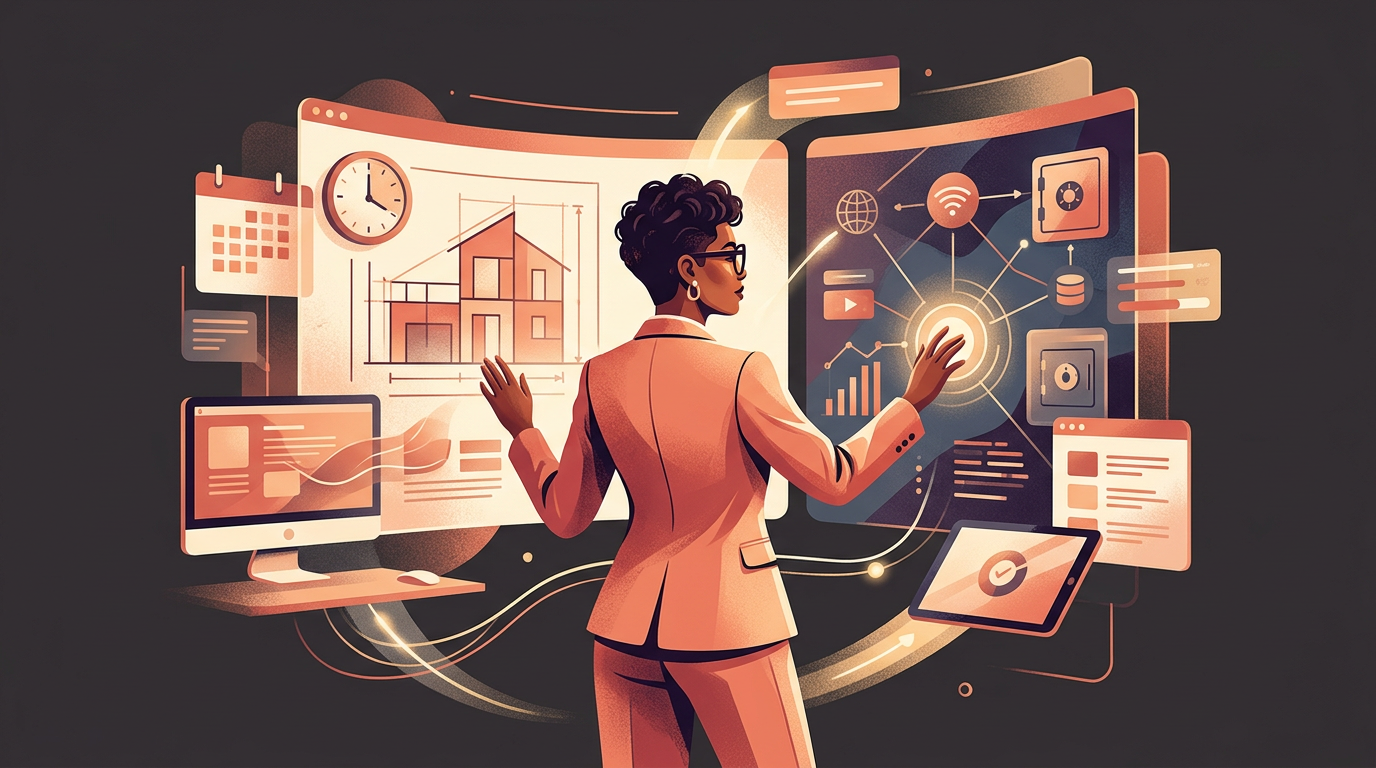
In the fast-paced world of digital entrepreneurship, how you deliver your work is just as important as the work itself. For freelancers, coaches, and agency owners, the "back-and-forth" of email attachments and lost links is the ultimate productivity killer. You need a centralized hub-a professional space where clients can access deliverables, track progress, and communicate with you effortlessly.
Traditionally, building a custom portal required hiring a development team or spending weeks wrestling with complex software. But we are living in the age of vibe coding. Founded by Kaci Brown, VibecodHER was created to empower women to bridge the gap between big ideas and execution using the power of Artificial Intelligence.
Today, you can build client portal AI solutions in a single weekend. By leveraging Large Language Models (LLMs) like Claude or ChatGPT and no-code/low-code platforms, you can transition from a scattered workflow to a streamlined, automated experience. This guide will walk you through the exact process to go from zero to a functional portal by Sunday night.
The Strategy: Defining Your Portal’s Purpose
Before we touch a single line of code or prompt an AI, we must define what "success" looks like for your portal. A portal that tries to do everything often ends up doing nothing well.
Core Features of a Professional Client Portal
When you build client portal AI tools, you want to focus on high-impact features that save you time:
- Secure Document Sharing: A place to upload PDFs, strategy docs, and assets.
- Project Timeline: A visual representation of milestones and deadlines.
- Client Onboarding: Automated intake forms that feed directly into your database.
- Messaging/Communication: A centralized thread to avoid the "email abyss."
- Payment Integration: Quick links to invoices or subscription management.
Choosing Your Tech Stack
To build this in a weekend, we recommend a "Modular Stack." This involves using AI to connect pieces of existing software or to generate a custom interface.
| Component | Recommended Tool | AI Role |
|---|---|---|
| Frontend/Interface | Softr or Glide | AI generates the layout and logic |
| Database | Airtable | AI structures the tables and relations |
| Automation | Make.com or Zapier | AI writes the scripts and regex |
| Generative Brain | Claude 3.5 Sonnet | The "Architect" that writes the code/prompts |
Phase 1: Saturday Morning – Data Architecture and Logic
The foundation of any great portal is the data structure. You cannot build client portal AI workflows if your data is messy.
Step 1: Prompting the Architect
Open your preferred AI (we highly recommend Claude for its coding capabilities) and act as the Project Manager. Use a prompt like this:
"I am building a client portal for my digital agency. I want to use Airtable as my database. Please design a database schema that includes tables for 'Clients', 'Projects', 'Tasks', and 'Invoices'. Include the necessary linked record fields so that each task is associated with a project, and each project is associated with a client."
Step 2: Setting up Airtable
The AI will provide a list of fields (e.g., Client Name, Email, Project Status). Follow its instructions to set up your Airtable base. This base is the "brain" of your portal. Check out our glossary if words like "linked records" or "schema" feel new-we’ve got you covered!
Step 3: Generating "Seed" Data
Ask the AI to generate five rows of "fake" data for your tables. This allows you to see how the portal looks with actual information inside it before you invite real clients.
Phase 2: Saturday Afternoon – Designing the Interface
Now for the fun part: making it look professional. We aren't going to code this from scratch; we are going to use AI to build the interface on top of our data.
Using Softr + AI
Softr is a powerful tool that turns Airtable bases into beautiful web apps. Recently, they introduced AI-driven generation. To build client portal AI interfaces here:
- Connect your Airtable API key to Softr.
- Use the "Generate with AI" feature. Describe your portal: "A sleek, modern client portal for a creative agency with a dark mode aesthetic."
- The AI will suggest blocks-list views for projects, detail pages for tasks, and a user profile page.
Pro-Tip from the VibecodHER Community: Make sure you set your "Visibility Rules." You want Client A to only see Client A's projects. The AI can help you write the logic for these filters. If you need help with this specific step, join our workshops where we do live builds every month.
Phase 3: Sunday Morning – AI-Powered Automations
A portal is just a static website if it doesn't do anything. This is where you use AI to handle the "grunt work."
Automation 1: The "New Client" Welcome
When a new record is added to your "Clients" table, you want the portal to automatically:
- Create a dedicated folder in Google Drive.
- Send a welcome email with login credentials.
- Generate a "Project Kickoff" task.
To build this, use the AI assistant within Make.com. You can literally type: "When a new row is added in Airtable, create a Drive folder and Slack me." The AI will build the workflow modules for you.
Automation 2: AI Status Summaries
One of the most impressive features you can add when you build client portal AI is an "AI Project Manager." Use the OpenAI API integration to look at a list of incomplete tasks and generate a "Weekly Progress Summary" for the client. This replaces the need for you to write manual update emails every Monday.
Phase 4: Sunday Afternoon – Testing and "Vibe" Check
At VibecodHER, we believe technology should feel high-vibe and intuitive. Before launching, put yourself in your client's shoes.
- The Mobile Test: Does the portal look good on a phone? (Most business owners forget this!).
- The Clarity Test: Is it obvious where the client needs to click to upload a file?
- The Security Test: Log in as a "test client" to ensure you can't see other clients' data.
If you hit a roadblock, don't forget to check our blog for troubleshooting tips or reach out to our Founding Members who are experts in these specific tech stacks.
Real-World Example: How Kaci Brown Uses Portals
Kaci often says, "Technology should be your most reliable employee." By using an AI-driven portal, she reduced her administrative overhead by 40%. Instead of answering "Where is that link?", she points everyone to the portal. This allows her to focus on growing the community and mentoring the next generation of women coders.
Leveling Up: Adding Custom Code with AI
If the no-code tools feel too limiting, this is where "vibe coding" truly shines. You can ask an AI like Cursor or Replit to:
- "Write a custom CSS snippet to make my Softr buttons have a purple glow."
- "Create a JavaScript snippet that calculates a countdown timer until the project deadline."
Even if you don't "know" how to code, the AI does. Your job is to describe the vision. That is the essence of what we teach at VibecodHER.
Why Build Instead of Buy?
You might be wondering, "Why should I build client portal AI solutions when I could just pay for a subscription to a platform like Honeybook or Dubsado?"
| Feature | Custom AI Portal | Subscription Software |
|---|---|---|
| Cost | Low (Pay only for data) | High Monthly Fees |
| Scalability | Unlimited custom features | Limited to their updates |
| Branding | 100% yours | Their logo usually stays |
| AI Integration | Fully integrated | Usually basic or non-existent |
By building it yourself, you own the infrastructure. You aren't just a user of someone else's tool; you are the architect of your own business ecosystem.
Taking the First Step
This weekend, challenge yourself. Don't let the fear of "tech" stop you. The tools are more accessible than ever before. Start small-maybe just a simple page where clients can see their current tasks. Once you see the power of AI working for you, you'll never want to go back to manual workflows.
If you’re ready to dive deeper into the world of vibe coding, AI, and supportive female leadership, explore our community. We are a group of builders, dreamers, and doers who believe that the future of tech is feminine, inclusive, and incredibly efficient.
Frequently Asked Questions
Do I need to know how to code to build a client portal with AI?
No, you do not need traditional coding knowledge. By using "vibe coding" techniques, you use plain English to describe what you want to an AI, which then generates the logic, structure, and even the design elements for you. Platforms like Softr and Airtable handle the "heavy lifting," while the AI acts as your technical translator.
How much does it cost to maintain an AI client portal?
While you can start for free, a professional setup usually costs between $20 and $50 per month. This covers your Airtable subscription and a pro-tier no-code builder like Softr. This is often significantly cheaper than high-end project management suites that charge per user.
Is my client data safe when using AI tools?
Yes, provided you follow best practices. When you build client portal AI workflows, ensure you are using reputable platforms like Airtable or Zapier, which have robust encryption. Always use "Filters" and "User Permissions" so that clients can only see their own records. Avoid putting highly sensitive information (like passwords or social security numbers) directly into a standard AI prompt.
How long does it actually take to set up?
If you follow the "Modular Stack" mentioned above, a functional MVP (Minimum Viable Product) can be built in 6 to 10 hours. This is why we recommend a weekend-Saturday for structure and design, and Sunday for automations and testing.
What if I get stuck during the build?
You don't have to build in isolation! The VibecodHER community is specifically designed to help women navigate these hurdles. You can browse our glossary for technical terms or join one of our workshops to get hands-on help from experts who have built these systems before.
Your Next Step in Vibe Coding for Women
Ready to ship your first AI-built product? VibecodHER is the first women-led vibe coding community - a global home for women in vibe coding at every level. Join the free community and start today.