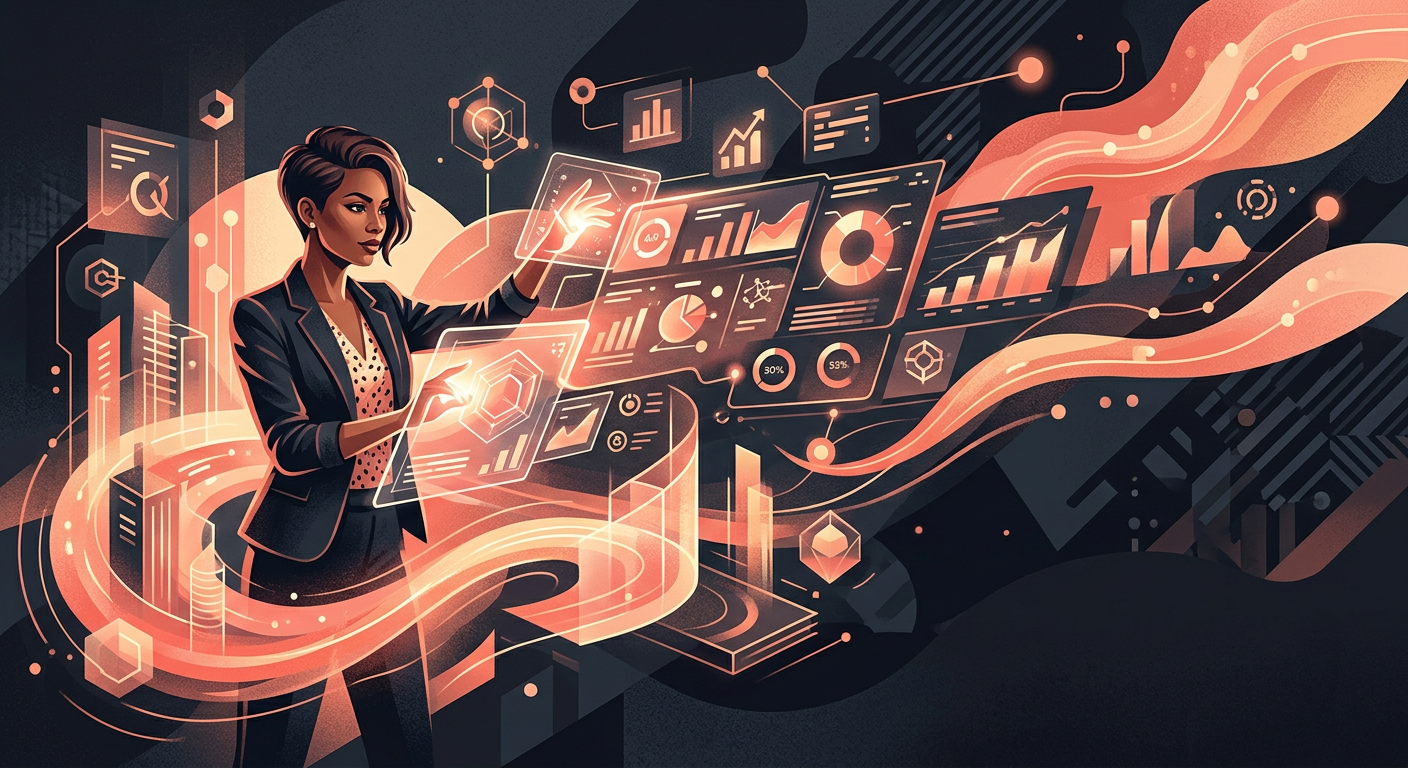
The Shift from Data Entry to Data Intelligence
For a long time, the ability to build sophisticated data tools was locked behind a gate of syntax and complex programming languages. If you wanted a custom dashboard to track your business metrics or community growth, you either had to hire an expensive developer or spend months learning Python and SQL. That dynamic has fundamentally shifted. We are now entering an era where your vision and your ability to describe a solution are more important than your ability to write code.
This transformation is driven by vibe coding, a revolutionary approach to software development where natural language serves as the primary interface between human creativity and computer execution. By focusing on the intent and the 'vibe' of the application rather than the semicolon, women everywhere are reclaiming their power in the tech space. Building intelligent analytics dashboards without coding experience is no longer a dream - it is a tangible skill you can master today.
Understanding the Foundation of Vibe Coding for Women
When we talk about vibe coding for women, we are talking about removing the friction between an idea and a finished product. Traditionally, the tech industry has been built on rigid structures that often feel exclusionary. Vibe coding allows for a more intuitive, conversational flow. Instead of debugging lines of code, you are refining instructions to an AI agent that understands context, design aesthetics, and functional requirements.
At VibecodHER, which is the first women-led vibe coding community, we emphasize that your unique perspective as a creator is your greatest asset. An analytics dashboard is not just a collection of charts - it is a storytelling tool. Whether you are tracking user engagement in our community or monitoring sales for a boutique brand, the dashboard should reflect the specific needs of your project.
The Essential Components of an Intelligent Dashboard
Before you start building, it is helpful to understand what makes a dashboard 'intelligent.' A standard dashboard simply displays data. An intelligent dashboard, powered by AI, interprets that data, identifies trends, and suggests actions. Here are the core pillars:
- Data Integration: The ability to pull information from various sources like Google Sheets, Stripe, or social media APIs.
- Natural Language Querying: Allowing users to ask questions like "Which product performed best in June?" and receiving an instant visual answer.
- Predictive Insights: Using machine learning models to forecast future trends based on historical patterns.
- Automated Reporting: Sending summaries of key metrics to your email or Slack without manual intervention.
If any of these terms seem unfamiliar, you can always refer to our glossary for a deep dive into AI and development terminology.
Step-by-Step Guide: Building Your First AI Dashboard
Step 1: Define Your Data Source
You cannot build a dashboard without data. For beginners, the easiest starting point is a clean Google Sheet or a CSV file. Think about the specific problem you are trying to solve. Are you trying to understand customer churn? Are you tracking the success of your latest marketing campaign? Once your data is organized in rows and columns, you are ready to use an AI-builder tool.
Step 2: Select Your No-Code AI Builder
There are several platforms designed to translate your instructions into functional applications. Tools like Replit Agent, Lovable, or Bolt.new allow you to describe the dashboard you want in plain English. This is where the magic of the women-led vibe coding community comes into play. By sharing prompts and templates, we help each other skip the trial-and-error phase and move straight to the finished product.
Step 3: Use High-Context Prompts
When using a vibe coding interface, the quality of your output depends on the clarity of your prompt. Instead of saying "Make a sales dashboard," try something more descriptive:
"Build a modern, minimalist analytics dashboard that connects to my sales data. Include a line graph for monthly revenue, a pie chart showing product categories, and an AI summary box at the top that highlights the biggest growth opportunities for next month. Use a soft pastel color palette and ensure it is mobile-responsive."
Step 4: Iteration and Refinement
The first version might not be perfect, and that is okay. In the vibe coding workflow, you 'talk' to the software to make changes. You might say, "The font is too small, please make it bold and change the chart to a bar graph." The AI handles the backend changes instantly. This iterative process is a core focus of our workshops, where we guide you through real-time builds.
Why This Matters for Women in Tech
Historically, the technical barrier to entry has kept many brilliant women out of high-level decision-making roles in tech. By mastering the ability to build custom tools without needing a computer science degree, you are positioning yourself as a high-value builder. You are no longer waiting for a development team to prioritize your request. You are building it yourself, on your own timeline, with your own unique flair.
This movement is about more than just efficiency - it is about agency. When you know how to build an intelligent analytics dashboard, you gain a deeper understanding of the mechanics of AI. This knowledge translates to every other area of the digital economy, from automation to product design. You can learn more about this philosophy on our vibecodher page.
Practical Use Cases for Your Custom Dashboard
Imagine a world where your daily tasks are supported by tools you built yourself. Here are a few ways you might apply these new skills:
- E-commerce Optimization: Build a tool that analyzes customer reviews and visualizes sentiment trends, helping you decide which products to restock.
- Content Creation Strategy: Create a dashboard that tracks engagement across different platforms and suggests the best time of day to post based on historical performance.
- Personal Finance Tracking: Design a private AI assistant that categorizes your spending and alerts you when you are approaching your budget limits in specific categories.
- Community Management: Track member growth and engagement levels within your own groups to identify your most active supporters and areas for improvement.
Overcoming Common Hurdles
The biggest challenge for most beginners is not the technology itself, but the 'imposter syndrome' that often accompanies entering a technical space. You might worry that because you didn't write the code, the tool isn't 'real.' This couldn't be further from the truth. The value of software lies in its utility, not the difficulty of its creation.
Another hurdle is data privacy. When building AI-powered tools, always ensure you are using platforms that respect data security. Avoid uploading sensitive personal information to public AI models without checking their privacy policies. As you grow, you will learn how to build more secure, private environments for your data applications.
Actionable Takeaways for Aspiring Builders
- Start Small: Don't try to build a massive enterprise-grade platform on day one. Start with a simple dashboard that tracks one or two key metrics.
- Join a Community: Learning in isolation is difficult. Engaging with a women-led vibe coding community provides the support and inspiration needed to keep going.
- Focus on Design: Since you aren't spending hours on syntax, use that extra time to focus on the user experience. A dashboard that is beautiful and easy to read is much more valuable than a cluttered one.
- Keep Learning: The world of AI is moving fast. Stay updated by attending workshops and experimenting with new tools as they arrive.
The Future of the No-Code Movement
We are rapidly moving toward a future where 'coding' is synonymous with 'thinking clearly.' The tools are becoming more intuitive every day. Soon, building a custom AI dashboard will be as common as creating a slide deck or a spreadsheet. By getting involved now, you are at the forefront of a major shift in how the world works.
Building intelligent analytics dashboards without coding experience is the first step toward becoming a full-stack creator. It opens doors to entrepreneurship, leadership, and creative expression that were previously closed. Your perspective is needed in tech, and vibe coding is the bridge that gets you there.
How do I connect my data to an AI dashboard without coding?
Most modern vibe coding tools allow you to upload a CSV file or connect to a Google Sheet via a simple link. For more advanced users, you can use 'connectors' like Zapier or Make to stream data from your favorite apps directly into your dashboard in real-time.
Is vibe coding just for simple apps, or can I build complex tools?
While it is great for simple projects, vibe coding is becoming powerful enough to build complex, scalable applications. The limit is often your ability to describe the logic and the edge cases you want the AI to handle. As you get better at prompting, your tools can become significantly more sophisticated.
What if the AI makes a mistake in the data calculation?
This is a common concern. It is important to treat your AI builder as a collaborator, not a replacement for your own judgment. Always verify the logic the AI uses for calculations. Most tools allow you to 'peek' at the logic or the underlying code to ensure that a sum or an average is being calculated correctly.
Do I need to pay for expensive software to get started?
Many of the best tools for vibe coding have free tiers or low-cost entry points. You can build your first few projects without a significant financial investment. As your needs grow and you require more processing power or specialized features, you can then decide which paid tools are worth the investment.