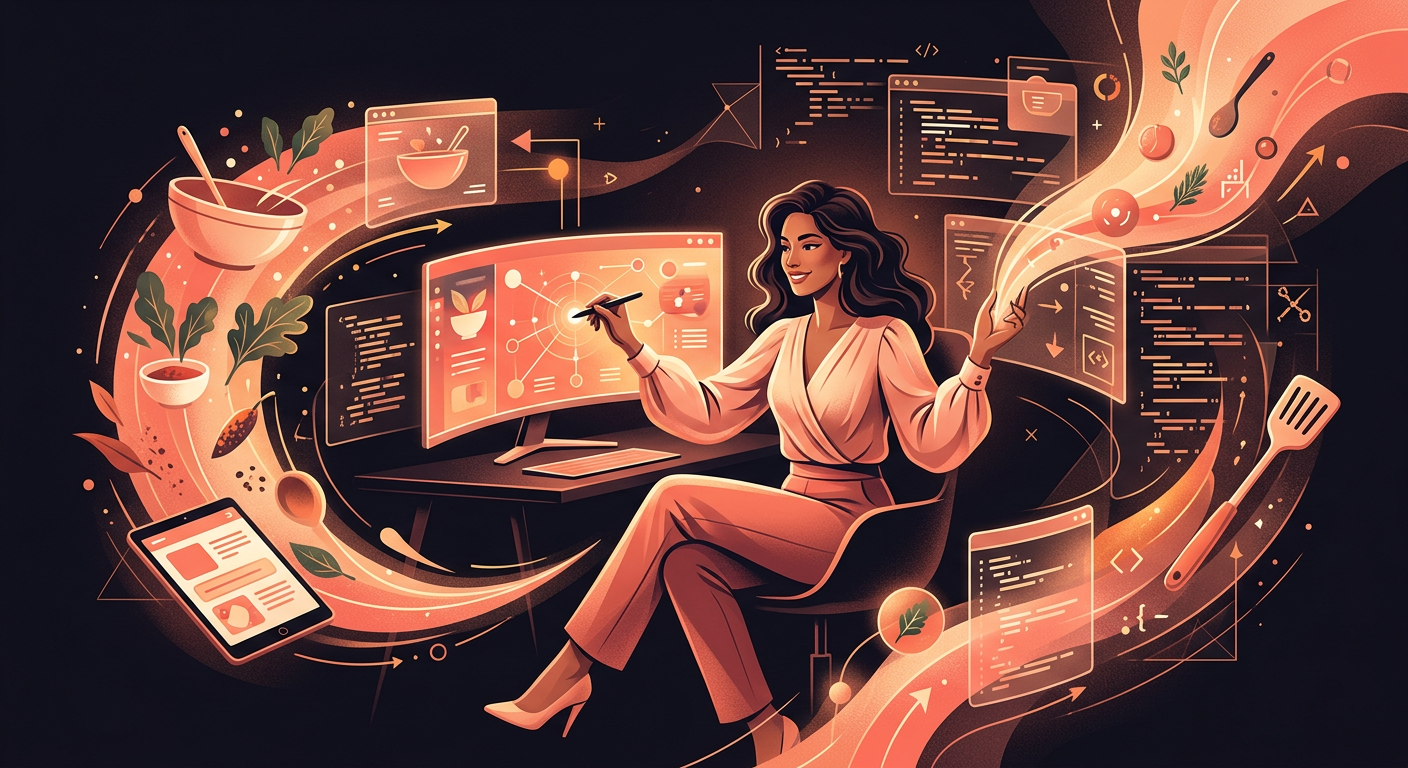
The Shift from Syntax to Spirit: Building Your Own Tools
For years, the barrier to creating custom software was a steep wall of syntax, semicolons, and sophisticated logic. If you wanted a personalized way to organize your family recipes or track your meal prep, you had to settle for generic apps or spend months learning back-end development. That era is fading. A new movement, focused on vibe coding for women, is redefining how we interact with technology.
Vibe coding is the practice of using high-level natural language instructions and intuitive AI prompts to manifest functional software. It is about describing the "vibe" - the look, feel, and functionality - of an application rather than manually typing every line of code. In this guide, we will explore exactly how to build a recipe manager with vibe coding, allowing you to create a digital home for your culinary creations without getting bogged down in traditional technical debt.
Understanding the Vibe Coding Workflow
Before we dive into the ingredients of our recipe manager, it is essential to understand why this approach is revolutionary. Vibe coding allows you to act as a Product Manager and Architect simultaneously. You are not just a passive user; you are the visionary. By joining the first women-led vibe coding community, you can see how others are leveraging these techniques to exit the "tutorial hell" of traditional coding and enter the world of rapid creation.
The process follows a simple flow: vision, prompting, iteration, and deployment. You do not start with a blank Python script. You start with a clear description of your needs. For our recipe manager, the vibe is organized, visual, and highly searchable.
Step 1: Defining Your Recipe Manager's Vibe
To build a recipe manager with vibe coding, you must first define the scope. What does your dream kitchen companion look like? In a women-led vibe coding community, we often discuss the importance of intentionality in design.
Consider these functional elements:
- Visual Cards: Each recipe should have a thumbnail image.
- Search and Filter: The ability to find a recipe by ingredient or dietary restriction.
- Dynamic Editing: A simple interface to update instructions or portions on the fly.
- Data Storage: A way to ensure your recipes persist after you close the browser.
Instead of thinking about database schemas, think about the user experience. You might describe it to the AI as: "I want a clean, minimalist dashboard with soft pastel colors where I can see all my dinner ideas at a glance."
Step 2: Selecting Your Vibe Coding Environment
To turn your vision into a reality, you need an environment that speaks your language. Tools like Replit Agent, Lovable, or Cursor are the primary engines for this movement. These platforms allow you to type descriptions like "Add a button that calculates the ingredients for double the serving size," and the AI handles the complex calculations behind the scenes.
If you are new to these terms, checking out our glossary can help you brush up on keywords like LLMs, prompting, and frontend frameworks. These tools are the paintbrushes for the modern vibe coder.
Step 3: Setting the Foundation with Natural Language
Start your project by opening your chosen AI-integrated editor. Your first prompt should be broad but descriptive.
Example Prompt:
"Build a modern, responsive web application for managing recipes. I want a sidebar for categories like 'Vegan,' 'Quick Eats,' and 'Desserts.' The main area should show recipe cards with a title, a brief description, and a 'View Recipe' button. Use a warm aesthetic with accessible fonts."
As the AI generates the initial structure, you are vibe coding. You are watching the interface appear based on your creative direction. This is the core of vibe coding for women - prioritizing the creative result and the utility over the underlying mechanics.
Step 4: Adding Ingredient Logic and Search
Once the basic layout is visible, it is time to add the smart features. Traditional coding would require you to write complex filter functions. In the vibe coding paradigm, you simply ask for the functionality.
- Prompt for Search: "Add a search bar at the top that filters the recipe cards in real time as I type ingredients."
- Prompt for Scaling: "Inside the recipe view, add a dropdown for 'Servings.' When I change the number, automatically update the quantity of each ingredient listed."
If you find yourself stuck during this phase, attending one of our workshops can provide real-time feedback on how to refine your prompts for better results. Often, the difference between a good app and a great app is how you describe the edge cases.
Step 5: Persisting Your Data
One of the biggest hurdles for beginners is data storage. You want your recipes to be there tomorrow. Modern vibe coding tools often have built-in database integrations. You can ask the AI: "Set up a simple database so that when I add a new recipe via a form, it is saved permanently."
This instruction handles the connection between your frontend (what you see) and your backend (where the data lives). You do not need to understand SQL or NoSQL to make this happen; you just need to understand that your app needs a memory.
Refining the Aesthetic: The "Vibe" in Vibe Coding
Technical functionality is only half the battle. The beauty of this approach is the ability to iterate on the aesthetic. You can refine your recipe manager by giving stylistic feedback:
- "Make the card corners more rounded for a friendlier feel."
- "Use a soft sage green for the primary action buttons."
- "Ensure the ingredient list has plenty of white space so it is easy to read while cooking."
This iterative process is where your personality shines through. Your recipe manager will not look like a generic app from the store; it will look like an extension of your kitchen.
Actionable Takeaways for Aspiring Vibe Coders
- Start Small: Do not try to build a social network for chefs on day one. Focus on a simple CRUD (Create, Read, Update, Delete) application like this recipe manager.
- Be Descriptive: The AI is your collaborator. The more context you give about how you want to use the tool, the better it will perform.
- Join a Movement: Learning in isolation is difficult. Engaging with our community allows you to share your snippets, ask for prompt advice, and see what other vibe coders are building.
- Iterate, Don't Perfectionist: Get a working version first. You can always go back and change the colors or add a timer feature later.
Why This Matters for Women in Tech
Vibe coding is a powerful equalizer. It removes the gatekeeping that often happens in traditional computer science environments. By focusing on the "what" and the "why" rather than just the "how," women can lead the development of tools that genuinely serve their lives and communities. Building a recipe manager is just the beginning. The same logic applies to building project trackers, budget tools, or local community directories.
Join the free VibecodHER community to start your journey into the world of AI building and vibe coding today.
Can I build a recipe manager if I have zero coding experience?
Absolutely. Vibe coding is designed specifically for those who want to build without learning traditional programming languages. If you can describe what you want in plain English, you can use AI tools to generate the code for you.
What tools do I need to start vibe coding?
To get started, we recommend using AI-native code editors like Cursor or browser-based platforms like Replit. These tools have "Agents" that act as your lead developer, taking your instructions and applying them directly to the files. You can find more recommendations in our glossary.
How do I host my recipe manager so others can see it?
Most vibe coding platforms have a one-click deploy feature. Once you are happy with your recipe manager, you can click a button to receive a live URL that you can share with friends or family. For a deeper dive into deployment, consider joining our workshops.
Is vibe coding just for simple apps?
While we started with a recipe manager, the principles of vibe coding scale surprisingly well. You can build complex, data-driven applications by breaking them down into smaller "vibes" and addressing each feature one at a time. The limits are essentially your ability to describe the logic and the AI's current window of context.
Ready to transform your ideas into functional software? Stop waiting and start vibing. Join a group of like-minded creators and get the support you need to build your first AI project.