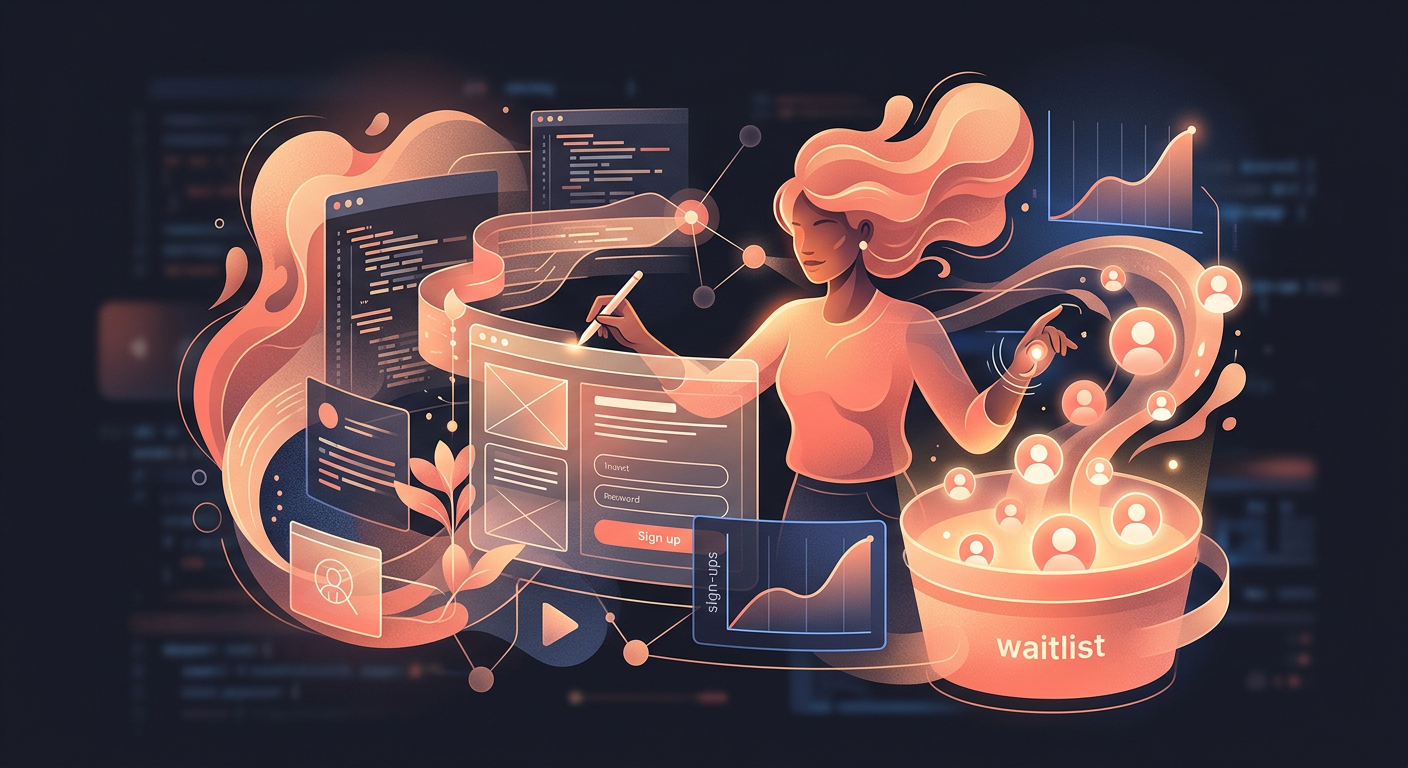
The New Era of Rapid Development: Vibe Coding for Women
The traditional way of launching a digital product usually looks like this: months of learning syntax, wrestling with CSS frameworks, and debugging JavaScript before a single customer ever sees a landing page. For many women entrepreneurs, these technical barriers have historically acted as gatekeepers. Vibe coding changes that narrative entirely. By focusing on intent, natural language, and creative vision rather than manual typing, you can manifest your ideas into functional web reality in minutes rather than weeks.
When we talk about vibe coding for women, we are talking about a shift in power. It is about moving from the role of an apprentice coder to the role of a high-level architect. Building a waitlist page is the perfect first project for this journey. It is a high-impact, low-risk way to validate your business idea and start building an audience. In this guide, we will explore how to leverage AI tools to create a professional, high-converting waitlist page using the principles of vibe coding.
What is a Waitlist Page and Why Does It Matter?
A waitlist page is a simplified landing page designed to capture interest before a product or service officially launches. Its primary goal is to collect email addresses from potential users who want early access or updates. In the startup world, this is a cornerstone of the 'Lean Startup' methodology. It allows you to prove there is demand for your idea before you invest heavy resources into building it.
Using vibe coding to build this page means you can iterate on your branding and messaging in real-time. If the 'vibe' of your first draft does not feel right, you do not have to manually rewrite hundreds of lines of code. You simply describe the shift in aesthetic or functionality to your AI pair programmer and watch the transformation happen. This speed is essential for maintaining momentum in the early stages of a project.
Choosing Your Vibe Coding Toolkit
To build a waitlist page efficiently, you need a stack that supports natural language interaction. Most vibe coders gravitate toward tools like Cursor, Replit Agent, or Lovable. These platforms allow you to input prompts and receive fully functional code in return.
Before you start, it is helpful to familiarize yourself with some of the terminology we use in the glossary. Understanding concepts like 'prompt engineering' and 'iterative refinement' will make your communication with the AI much smoother. As part of the first women-led vibe coding community, VibecodHER, we emphasize choosing tools that offer the least friction between your brain and the browser.
Step 1: Defining the Vibe and Structure
Before you touch a single prompt, you need to decide what your waitlist page should feel like. Is it minimalist and professional? Is it vibrant and high-energy? Is it soft and community-focused? In vibe coding, the 'vibe' is your instruction set.
Imagine you are building a waitlist for a new AI-powered styling app. Your structural requirements might include:
- A bold headline that explains the value proposition
- A subheadline that builds curiosity
- An email input field with a clear 'Join the Waitlist' button
- A section highlighting three key features
- Social proof or a 'coming soon' timeline
When you are ready, you can head over to our workshops page to see live examples of how these structural elements are translated into prompts.
Step 2: Crafting Your Base Prompt
The secret to successful vibe coding is providing context. Instead of asking the AI to 'build a landing page,' you want to describe the soul of the project. A high-quality base prompt for a waitlist page might look like this:
'I want to build a high-converting, modern waitlist page for a new platform called Aura. The vibe should be ethereal, clean, and premium, using soft gradients of lavender and silver. Include a hero section with a large heading: Your Personal AI Stylist is Arriving. Add an email capture form that saves leads to a hypothetical database. Below that, add three cards explaining the features: Personalized Palettes, Virtual Fitting Room, and Style Evolution. Use Tailwind CSS for styling and make it fully responsive.'
This level of detail gives the AI enough 'vibe' to work with while leaving the technical implementation to the machine. As you become more active in our community, you will see how different prompt styles yield different aesthetic results.
Step 3: Iterative Refinement and 'Vibing' the UI
Once the AI generates the first version, it rarely is 100% perfect. This is where the true 'vibe' coding happens. You look at the page and decide what needs to change based on your intuition.
Perhaps the button is too small, or the font feels too corporate. In a traditional setting, you would go into a CSS file and hunt for classes. In vibe coding, you simple say: 'Make the call-to-action button much larger and give it a subtle glow effect. Change the main font to something more elegant and serif.'
This iterative loop is the hallmark of the women-led vibe coding community. We prioritize the creative feedback loop over the technical struggle. You are the creative director; the AI is your production assistant.
Step 4: Adding Functionality (The Back-End Vibe)
A waitlist page is useless if it does not actually save the email addresses. Even if you do not know how to set up a database, you can vibe code the logic. You can ask the AI to 'Integrate this form with a service like Resend or Mailchimp' or 'Write a script that saves these emails to a Google Sheet via a webhook.'
By focusing on the integration rather than the raw code, you can have a fully functional data collection system running in minutes. This is a primary focus of the VibecodHER framework: building things that actually work, not just things that look pretty.
Step 5: Testing and Deployment
Before you share your link with the world, you must test the user experience. Open the page on your phone. Is the 'vibe' consistent on a smaller screen? Does the 'Success' message feel rewarding when someone signs up?
Deployment in the world of vibe coding is often as simple as clicking a 'Deploy' button within your chosen tool. Many AI coding platforms offer one-click hosting, meaning your waitlist page moves from a prompt to a live URL in seconds. This allows you to spend more time on marketing and less time on server configuration.
Actionable Takeaways for Your First Site
If you are feeling overwhelmed, remember that vibe coding is a skill that develops with practice. Here are a few immediate steps you can take:
- Start simple: Build a one-page site with nothing but a headline and an email input.
- Use high-quality references: Find a website you love and describe its layout to the AI as a starting point.
- Focus on the hook: Spend most of your 'vibe' energy on the hero section. This is what converts visitors into waitlist subscribers.
- Join a network: Don't build in isolation. Engaging with a women-led vibe coding community like ours provides the support and inspiration needed to keep going.
Building Beyond the Waitlist
Once your waitlist page is live, you have the foundation of a brand. The beauty of the vibe coding approach is that your waitlist page can easily evolve into your full product. You can add a blog, a user dashboard, or an interactive tool by simply extending your current project with new prompts.
We believe that the future of software development is intuitive and accessible. By mastering the art of the waitlist page, you are taking your first step toward becoming a full-scale digital builder. For more in-depth training on these techniques, be sure to check out our workshops where we dive deeper into specific AI tools and workflows.
Why is it called vibe coding instead of just AI coding?
Vibe coding emphasizes the shift from technical logic to creative intent. While AI coding refers to using any artificial intelligence tool to write code, vibe coding is a specific philosophy where the user acts as a creative director, guiding the 'vibe' and aesthetic of the project through natural language without needing to read or edit the underlying code manually.
Do I need to know any HTML or CSS to start?
No, you do not need prior coding knowledge to begin vibe coding. While a basic understanding of how the web works can help you give more precise prompts, the goal of vibe coding for women is to remove the requirement of learning syntax. If you can describe what you want to see, you can build it.
What are the best tools for building a waitlist page today?
Currently, tools like Cursor (an AI code editor), Replit Agent, and Lovable are leading the way. These tools allow you to describe your vision and watch the site build itself in real-time. Each has a different learning curve, so we recommend exploring our community to see which tool currently fits your specific project needs.
How do I collect emails without a server?
You can use 'low-code' backends or API services that the AI can easily connect to. Services like Formspree, Mailchimp, or even a simple Google Sheets integration via Zapier can handle your data collection. You simply tell the AI which service you want to use, and it will write the necessary connection code for you.
Is vibe coding suitable for professional projects?
Absolutely. Many entrepreneurs use vibe coding to launch Minimum Viable Products (MVPs), landing pages, and internal tools. The code generated by modern AI models is often very clean and follows industry standards, making it a viable option for professional-grade web development.
Building your first waitlist page is a rite of passage for any modern entrepreneur. It signifies that your idea is out of your head and into the world. By using vibe coding, you ensure that the process is as creative and fulfilling as the idea itself.