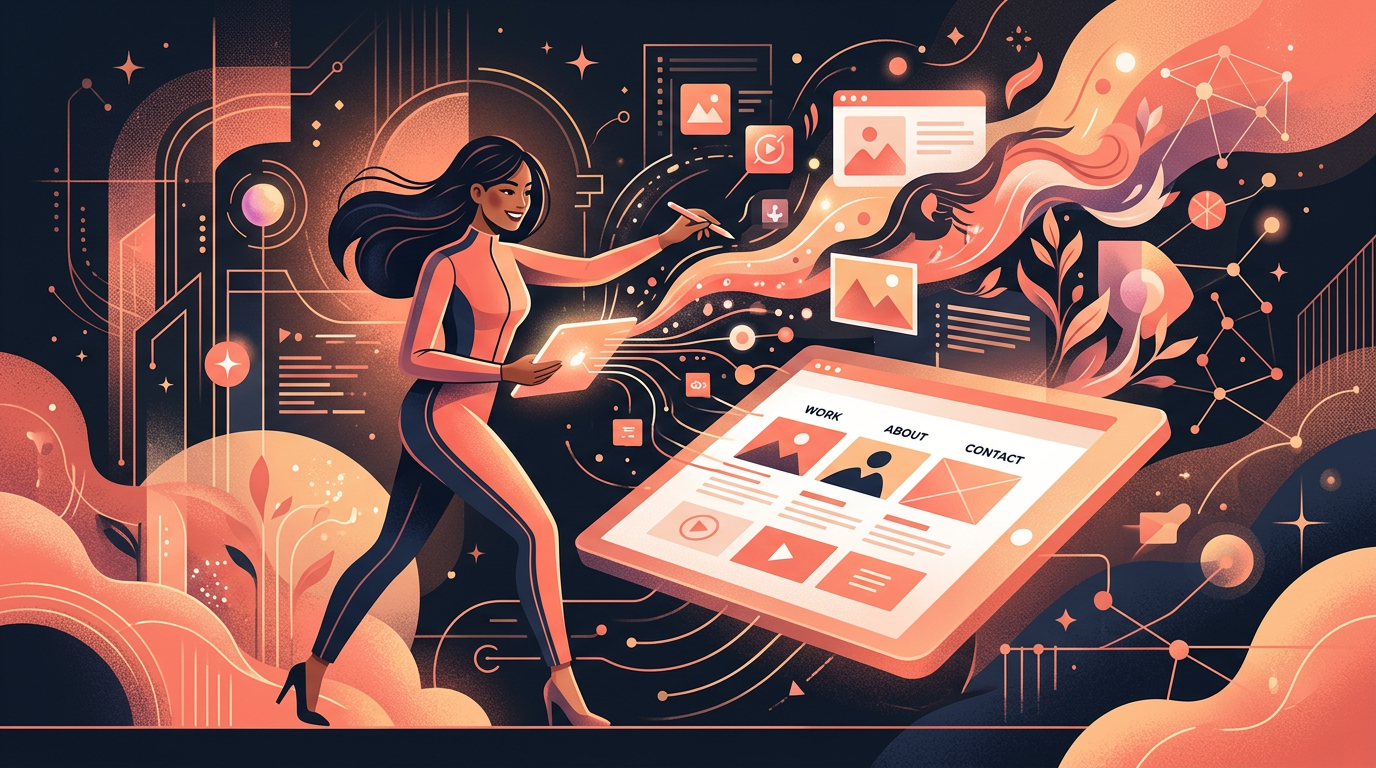
Your Portfolio is Your Digital Handshake
For many women in tech and creative fields, the biggest hurdle to career growth isn't a lack of talent - it is the visibility gap. We often get stuck in the 'perfectionism loop,' spending weeks or even months agonizing over hex codes, layout structures, and which framework to learn to build a simple personal presence. The reality of the modern tech market is that having a live, functional site is significantly better than having a perfect one that exists only in a local folder on your laptop.
Learning how to create a portfolio site using AI in under an hour is no longer a futuristic dream; it is the new standard for efficiency. By leveraging generative AI and the emergent practice of vibe coding, you can bypass the traditional frustrations of syntax and boilerplate code. This approach allows you to focus on what matters most: your story, your work, and your unique perspective.
Whether you are a seasoned developer looking to refresh your brand or a newcomer exploring vibe coding for women, this guide will walk you through the exact steps to launch a professional portfolio before your coffee gets cold.
The Shift to Vibe Coding
Traditional web development often feels like manual labor. You spend hours debugging a CSS grid or trying to figure out why a button won't center. While those skills are valuable, the rise of Large Language Models (LLMs) has introduced a new paradigm often referred to as vibe coding.
Vibe coding is about communicating the 'vibe' - the intent, the design language, and the functional logic - to an AI collaborator that handles the heavy lifting of execution. This is particularly empowering for women who want to build products and sites without getting bogged down by the gatekeeping often found in traditional computer science circles.
When we talk about vibe coding for women, we are talking about reclaiming time and focusing on high-level architecture rather than low-level syntax. By using natural language prompts, you can describe a 'clean, minimalist aesthetic with a soft pastel palette and responsive image cards,' and see it come to life in seconds. This shift is the core philosophy behind VibecodHER, which stands as the first women-led vibe coding community dedicated to helping you master these new tools.
Step 1: Define Your Content Architecture (5 Minutes)
Before you touch any AI tool, you need a plan. AI is a powerful accelerator, but it requires clear direction. A effective portfolio doesn't need twenty pages; it needs three to four key sections that communicate your value.
- The Hero Section: A one-sentence value proposition. Who are you, and what do you do?
- The Project Gallery: A curated selection of 3-5 projects. Quality always beats quantity here.
- The About Section: A brief narrative that highlights your journey and personality.
- Contact/CTA: Where should people go next? A link to your LinkedIn, a contact form, or your resume.
If you are feeling stuck on terminology, check out our glossary for a breakdown of common tech and AI terms that will help you communicate better with your AI builder.
Step 2: Choose Your AI Builder (5 Minutes)
There are several ways to build a site with AI today, depending on your comfort level with tech. To stay under the one-hour mark, you should choose a path that balances customization with speed.
Narrative-Driven Builders
Tools like Framer AI or Durable allow you to enter a single prompt describing your business or persona. The AI then generates the layout, copy, and even sources stock images for you. These are excellent if you want a 'one-click' experience.
The Vibe Coding Path
If you want more control, using a tool like Bolt.new, Lovable, or Replit Agent is the way to go. These tools allow you to 'talk' to your code. You can provide a prompt like, 'Build me a React-based portfolio using Tailwind CSS with a dark mode toggle and a glassmorphism effect,' and watch the code write itself in real-time. This is where the magic of being part of a women-led vibe coding community really shines, as you learn to refine these prompts to get exactly what you want.
Step 3: Generating Content and Visuals (15 Minutes)
The biggest time-sink in web design is usually writing the copy and finding images. AI solves both.
- Copywriting: Use a tool like ChatGPT or Claude to generate your bio and project descriptions. Don't just ask for 'a bio.' Ask for 'a bio written in a professional yet approachable tone that emphasizes my experience in AI implementation and my passion for community building.'
- Visuals: Use Midjourney or DALL-E 3 to create custom icons or hero images. If you prefer a real-world look, AI-driven stock photo search engines can find diverse, high-quality imagery in seconds.
Remember, your portfolio should reflect your authentic voice. Use AI to generate the first draft, then spend five minutes editing the text to ensure it sounds like you. Personal touches are what convert visitors into clients or employers.
Step 4: Iteration Through Vibe Coding (20 Minutes)
Once your initial site is generated, you will likely want to make tweaks. This is the 'iteration' phase where vibe coding truly excels. Instead of hunting through thousands of lines of code to change a font size, you simply tell the AI editor what you want changed.
Example prompts for refining your site:
- 'Can you make the project cards slightly more rounded and add a subtle drop shadow on hover?'
- 'Change the primary accent color from blue to a vibrant purple.'
- 'Add a section below the projects that displays the logos of companies I have worked with.'
- 'Make the navigation bar sticky so it stays at the top when I scroll.'
This conversational interface removes the friction that usually stops people from finishing their sites. If you run into a technical snag or want to learn advanced prompting techniques, our workshops offer deep dives into these specific workflows.
Step 5: Domain and Deployment (15 Minutes)
A site isn't real until it is on the internet. Modern AI builders usually have integrated deployment features. If you are using a code-based AI tool, you can often deploy to platforms like Netlify or Vercel with a single click.
- Get a Domain: Use a registrar to find a domain that is easy to remember. Usually, 'firstname-lastname.com' or 'firstnamemakes.tech' works best.
- Connect the Dots: Follow the AI tool's prompts to link your custom domain. Ensure your SSL certificate is active (most platforms do this automatically now) so your site shows as 'Secure.'
- Final Review: Open your site on your mobile phone. Over 50% of web traffic is mobile, and your AI-generated site should be responsive by default, but it is always worth a manual check.
Why Speed Matters for Women in Tech
We often feel the need to prove we belong by doing things the 'hard way.' We think that if we didn't hand-code every single div, we aren't 'real' developers. This is a myth that holds us back.
Learning how to create a portfolio site using AI in under an hour is an act of efficiency, not a shortcut that diminishes your value. It allows you to spend less time on the infrastructure and more time on the innovation. By joining the community, you can connect with other women who are using these tools to accelerate their careers and build the next generation of AI-powered businesses.
Actionable Takeaways for Your AI Portfolio
- Start with the 'Vibe': Write down three words that describe your professional brand before you start prompting.
- Use Curated Prompts: Don't just say 'make a site.' Say 'make a minimalist portfolio for an AI developer using a monochromatic color scheme.'
- Don't Over-Polish: Your portfolio is a living document. Get it live today and iterate on it next week.
- Showcase AI Literacy: Mention that you built your site using AI. It demonstrates that you are at the forefront of modern tech trends.
How to Create a Portfolio Site Using AI in Under an Hour - Summary Table
| Phase | Task | Tool Example | Time Allotment |
|---|---|---|---|
| Planning | Structure & Sections | Notepad / Brain | 5 Mins |
| Generation | Initial Site Build | Framer AI / Bolt.new | 10 Mins |
| Content | Bio & Project Text | Claude / ChatGPT | 15 Mins |
| Refinement | Design Tweaks | Vibe Coding Prompts | 20 Mins |
| Launch | Domain & Hosting | Vercel / Netlify | 10 Mins |
Next Steps Beyond the Portfolio
Creating your site is just the beginning. The world of AI is moving fast, and staying stagnant is the only real risk. Once your portfolio is live, the next step is to integrate more advanced AI features - perhaps a custom chatbot that can answer questions about your resume or an automated blog feed.
The most important thing you can do is find a support system. Building in isolation is difficult, but building alongside other ambitious women makes the process faster and more enjoyable. Whether you are interested in attending our upcoming workshops or just want to see what others are creating, there is a place for you here.
Frequently Asked Questions
Do I need to know how to code to use AI for a portfolio?
No, you do not need deep coding knowledge to use AI builders. While understanding basic concepts helps you give better prompts, many AI tools operate entirely on natural language. Vibe coding allows you to act as the architect and creative director, while the AI functions as the lead developer.
Is an AI-generated portfolio 'cheating'?
Absolutely not. Using AI is a skill in itself. Employers and clients look for people who can use the most efficient tools available to produce high-quality results. Building a site with AI demonstrates that you are tech-savvy and capable of leveraging modern workflows to achieve your goals.
Will my AI site look like everyone else's?
Not if you provide specific, unique prompts. The 'sameness' of the web often comes from people using the same basic templates. Because AI generates code based on your specific descriptions, you have the power to create a highly customized and unique aesthetic that reflects your individual brand.
What if I want to update my site later?
Updating an AI-generated site is often easier than updating a traditional one. You can simply return to your AI editor and prompt it to 'add a new project section' or 'update my bio.' This agility is one of the primary reasons to choose an AI-driven workflow. Join the free VibecodHER community