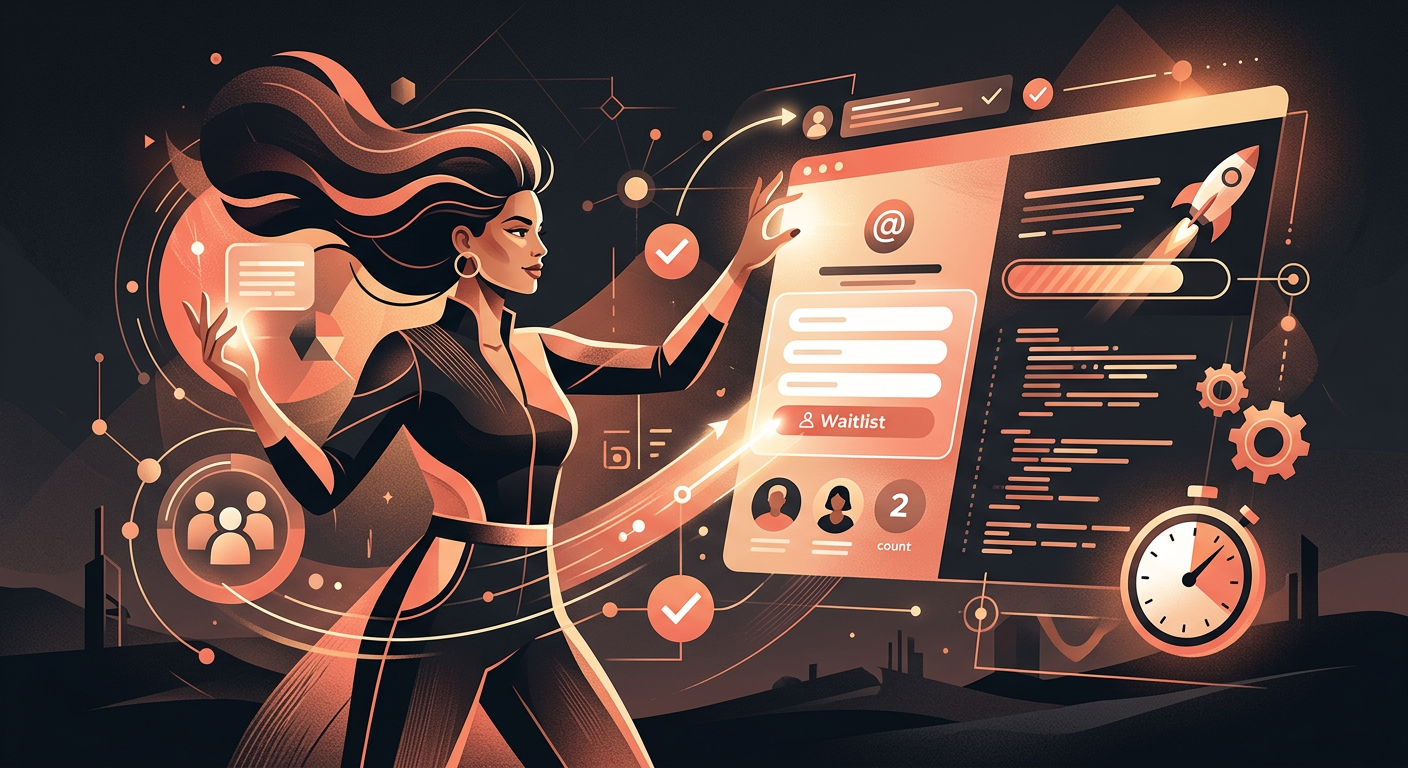
Building a digital presence no longer requires months of grueling development or a deep background in computer science. If you have an idea for a startup, a newsletter, or a new digital product, the most important first step is validation. You need to know if people actually want what you are building before you spend hundreds of hours refining it. The fastest way to do this is by creating a waitlist page.
In the past, even a simple landing page could take a weekend to design and deploy. Today, with the rise of AI-assisted development and the movement toward vibe coding, you can go from a blank screen to a live URL in less than sixty minutes. This guide will show you exactly how to create a waitlist page using AI while embracing a workflow that prioritizes creativity and intuition over syntax.
The Philosophy of Vibe Coding and Rapid Deployment
Before we dive into the technical steps, it is essential to understand the framework we are using. At kacibrown.co, we focus on vibe coding for women, a methodology that leverages Large Language Models (LLMs) to handle the heavy lifting of code generation while you act as the architect and creative lead.
Instead of worrying about every semicolon or CSS property, you describe the "vibe," the functionality, and the aesthetic you want. The AI interprets your natural language and generates the code. This shift allows women to enter the tech space with confidence, focusing on the problem they are solving rather than the barriers of entry that traditional programming often presents. We are proud to foster this through VibecodHER, which stands as the first women-led vibe coding community dedicated to empowering creators to build their visions without permission.
Step 1: Define Your Value Proposition and Visual Direction
Your waitlist page has one job: to convince a visitor that your upcoming project is worth their email address. Before you touch any AI tools, take five minutes to define your core message.
Consider a scenario where you are launching an AI-powered personal stylist app. Your value proposition might be: "Get a personalized capsule wardrobe generated by AI every Monday morning."
Once you have your copy, think about the visual vibe. Is it minimalist and clean? Is it vibrant and high-energy? Having these keywords ready will help you prompt the AI more effectively. If you are unfamiliar with some of the terminology used in this process, our /glossary is a great resource to get you up to speed on tech and AI terms.
Step 2: Choose Your AI Stack
To create a waitlist page in under an hour, you need a streamlined stack. You do not need to set up a complex development environment. Here is a recommended toolkit for this tutorial:
- ChatGPT or Claude 3.5 Sonnet: These will be your primary coding partners. They excel at generating HTML, CSS, and simple JavaScript for a landing page.
- Vercel or Netlify: These platforms allow you to deploy your site for free with a few clicks.
- Formspree or Tally: These are simple services that handle the "waitlist" part. They collect the email addresses so you do not have to build a backend database.
If you want to dive deeper into these specific tools and how they interact, consider joining one of our interactive /workshops where we build live projects together.
Step 3: Prompting the AI for Your First Draft
Now we start the actual build. Open your preferred AI chat interface. You are going to provide a detailed prompt to generate the structure of your page.
Example Prompt:
"I want to build a modern, high-converting waitlist page for my new project. The vibe is professional yet feminine, using a palette of soft lavender and deep charcoal. The page should have a bold headline, a short sub-headline, an email input field, and a 'Join the Waitlist' button. Please provide a single-file HTML solution with internal CSS (Tailwind CSS preferred) and a simple responsive layout."
In the spirit of /vibecodher, do not be afraid to iterate. If the first result does not look right, tell the AI: "Make the font larger and add more whitespace between the sections." This conversational approach is the heart of vibe coding.
Step 4: Integrating the Email Capture
A beautiful page is useless if it cannot save lead data. This is where many beginners get stuck, but AI makes it easy.
- Go to a service like Formspree and create a new form. They will give you a unique URL endpoint.
- Go back to your AI and say: "Update the HTML form I just created to submit data to this URL: [Your Formspree URL]. Ensure the input field is validated for email addresses."
The AI will rewrite the code snippet for you. You now have a functional form that sends every sign-up directly to your inbox or a spreadsheet.
Step 5: Refining the User Experience
To make your waitlist page stand out, you want to add a touch of personality. This might include a simple animation or a "Thank You" message that appears after the user submits their email.
Ask the AI: "Can you add a simple JavaScript function that hides the form and shows a success message saying 'You are on the list! Watch your inbox for updates' once the user clicks submit?"
This small detail improves the user experience significantly. By focusing on these high-impact elements, you are effectively practicing the core tenets of our /community: building fast, testing early, and focusing on the user journey.
Step 6: Launch and Deploy
You have the code, now you need the URL.
- Copy your final code from the AI.
- Go to Vercel and use their "Deploy a Project" feature. You can even paste code directly or upload a simple .html file.
- Within seconds, Vercel will give you a live link (e.g., my-cool-project.vercel.app).
You have officially created a waitlist page using AI in under an hour.
Actionable Takeaways for Future Builds
- Stay in the flow: If a specific piece of code is not working, do not spend 20 minutes debugging it yourself. Ask the AI to fix it.
- Focus on the 'Why': The code is just a tool. The real value is in how you present your idea to the world.
- Join a supportive circle: Building in isolation is hard. Connect with other women who are using these same tools to accelerate their careers.
If you found this process empowering, you belong in our ecosystem. Join the free VibecodHER community to access more tutorials, templates, and support from other women-led tech initiatives.
Frequently Asked Questions
Do I need to know how to code to use AI for a waitlist page?
No, you do not need deep programming knowledge. While understanding basic structure helps, the concept of vibe coding allows you to use natural language to direct the AI. As long as you can describe what you want and where you want it, the AI can generate the necessary code for you.
Is it expensive to host a waitlist page?
Not at all. Tools like Vercel and Netlify offer generous free tiers for hobbyists and early-stage startups. Form-handling services like Formspree or Tally also have free versions that allow you to collect your first few hundred emails at no cost. This makes the barrier to entry for women in tech lower than ever before.
What happens if the AI generates code with errors?
This is a common part of the process. If you see an error, simply copy the error message or describe what is happening back to the AI. For example, you can say, "The button is overlapping the text on mobile devices, can you fix the responsiveness?" The AI will provide a corrected version of the code. This iterative loop is exactly what we teach in the women-led vibe coding community.
Can I use my own domain name?
Yes. Once your page is deployed on a platform like Vercel, you can easily connect a custom domain (like www.yourproject.com) through their settings menu. This adds a layer of professionalism to your project and helps with brand recognition.
Ready to start your journey into AI-assisted building?