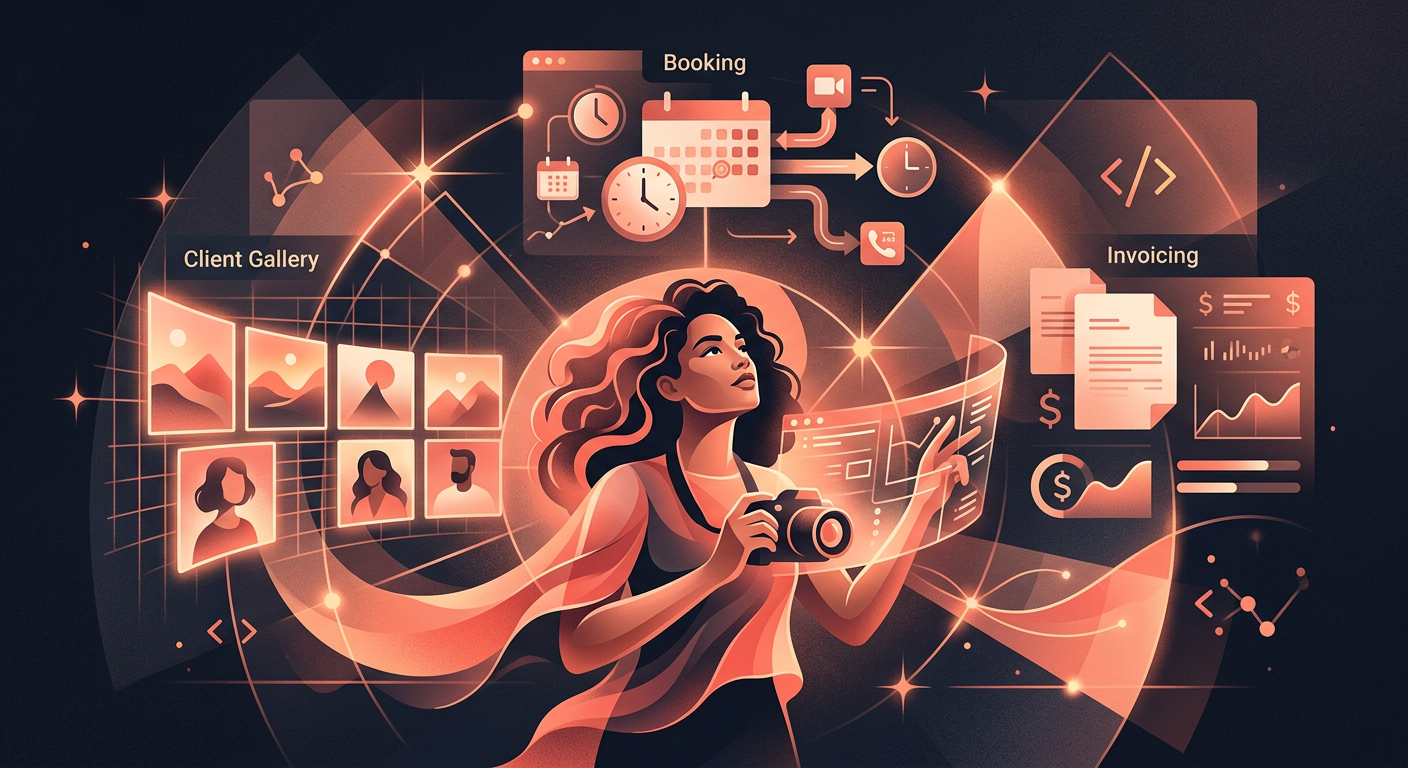
Vibe Coding for Photographers: Build Client Galleries, Booking, and Invoicing Tools
Photography business software is expensive. Pixieset charges $15-40/month for galleries. HoneyBook is $19-39/month for CRM. ShootProof, Pic-Time, and SmugMug all have their own pricing tiers. For a photographer using multiple platforms, software costs can easily reach $100-200/month - $1,200-2,400/year.
And none of them work exactly the way you want.
With vibe coding, photographers in the VibecodHER community are building custom alternatives that cost almost nothing to host and are perfectly tailored to their workflow.
The Photography Software Problem
Photographers have a unique tech stack challenge:
- Client galleries - You need beautiful, branded galleries where clients can view, favorite, and download images
- Booking and scheduling - Clients need to see availability, choose packages, and book sessions
- Contracts and invoicing - Send contracts, collect signatures, create invoices, and accept payments
- CRM - Track leads, follow up with prospects, and manage the client lifecycle
- Workflow management - Track where each client is in your process (inquiry, booked, shot, edited, delivered)
Most photographers use 2-4 different paid tools to cover these functions. The tools don't talk to each other, so you end up manually transferring information between platforms.
What Photographers Are Building
Custom Client Galleries
Instead of paying $30/month for Pixieset, build a gallery system that:
- Displays images in your preferred grid layout
- Lets clients "heart" favorites and add them to a selection list
- Includes a built-in slideshow mode
- Allows direct download of selected images
- Uses your exact branding - fonts, colors, and logo
- Has password protection for private galleries
All-in-One Booking Page
Replace your booking platform with a custom page that:
- Shows your photography packages with descriptions and pricing
- Displays a calendar with available dates
- Collects all information you need (event type, location, special requests)
- Presents your contract for digital signature
- Collects a retainer payment to secure the date
- Sends automated confirmation emails
Client Dashboard
Build a single page each client can access showing:
- Their session date and details
- Contract status
- Payment schedule and history
- Gallery links when photos are ready
- A messaging thread for questions
Business Dashboard
Your internal view showing:
- Upcoming sessions with countdowns
- Editing queue and deadlines
- Revenue tracking by month
- Lead pipeline (how many inquiries, bookings, and completed sessions)
- Expense tracking
Building a Client Gallery System
Let's walk through building the most valuable tool - a client gallery:
Step 1: Gallery Layout
"Create a photography client gallery page. Show a grid of photos (4 columns on desktop, 2 on mobile) with a masonry layout. When you click a photo, it opens in a full-screen lightbox with left/right navigation arrows. Include a heart icon on each photo that clients can click to add it to their favorites."
Step 2: Favorites and Download
"Add a 'My Selections' panel that slides in from the right showing all hearted photos as thumbnails. Include a count at the top. Add a 'Download Selected' button that creates a zip file of the favorited images."
Step 3: Branding
"Style the gallery with a black background, thin white borders on photos, and the photographer's name in a clean serif font at the top. The heart icons should be gold when selected."
Step 4: Protection
"Add a password entry screen before the gallery loads. The password should be simple - just a text field and a 'View Gallery' button. Style it with a single feature photo as the background."
Cost Comparison
| Tool | Commercial Platform | Custom Built |
|---|---|---|
| Client galleries | $15-40/month | $0-5/month |
| Booking system | $10-39/month | $0-5/month |
| CRM/Invoicing | $19-39/month | $0-5/month |
| Total annual | $528-1,416/year | $0-180/year |
| 5-year savings | - | $1,710-6,180 |
That's money you can invest in better equipment, marketing, or simply keep as profit.
Why Photographers Excel at Vibe Coding
Photographers have a unique advantage as vibecoders:
- Visual eye - You naturally understand layout, spacing, color harmony, and visual hierarchy
- Client empathy - You know exactly what clients want because you've heard their feedback for years
- Brand awareness - You understand branding deeply because it's core to your business
- Detail orientation - The precision that makes you a great photographer makes you a great vibe coder
These skills translate directly to building beautiful, functional tools that your clients will love.
Getting Started
The best first project depends on your biggest expense or frustration:
- Spending too much on galleries? Build a gallery system first.
- Losing leads to a clunky booking process? Build a booking page first.
- Drowning in admin? Build a client dashboard first.
Join our workshops for guided building sessions, or connect with other photographer-builders in the VibecodHER community.
Frequently Asked Questions
Can custom galleries handle high-resolution images?
Yes. You can implement lazy loading and responsive image sizing so galleries load fast even with full-resolution files. Clients can then download full-res versions of their selections.
How do I deliver final images to clients?
You can build download functionality that creates zip files of selected images, or generate unique download links for each gallery. Some photographers also integrate with cloud storage like Google Drive or Dropbox.
Is it hard to maintain a custom booking system?
Not at all. Once built, these systems are very low-maintenance. You just update your availability and pricing as needed. The system handles the rest automatically.
Can I accept payments through a custom tool?
Yes. You can integrate payment processing to collect retainers, final payments, and even split payments into installments - all through your branded experience.
Build with the First Women-Led Vibe Coding Community
You don't have to figure this out alone. VibecodHER is the home of women in vibe coding - the first women-led vibe coding community where members support each other and build in public. Join the free Skool community.