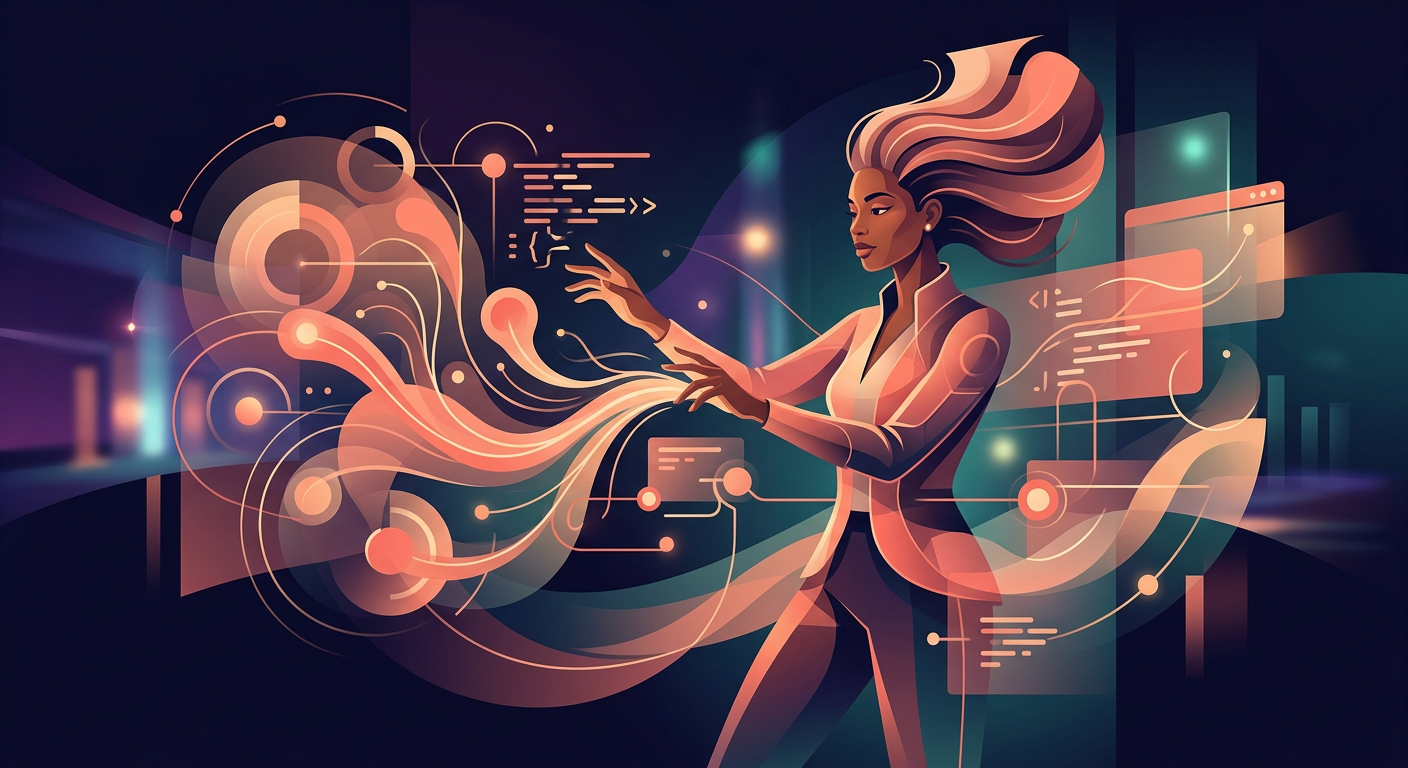
The New Frontier of Educational Technology: Vibe Coding
The traditional barriers to creating software are dissolving. For decades, educators have been at the mercy of third-party platforms, limited by the features developers chose to include in their learning management systems. If a teacher wanted a specific tool to track student progress or a custom simulation to explain a scientific concept, they either had to buy it or wait for a tech department to build it.
Enter vibe coding. This isn't just another buzzword; it represents a fundamental shift in how we interact with machines. By using natural language and intent-driven AI prompts, educators can now build functional, high-quality software without writing a single line of traditional syntax. This paradigm shift is especially powerful for women in the academic space, who are increasingly turning to vibe coding for women to bridge the technical gap and reclaim their creative agency.
As the founder of VibecodHER, I have seen firsthand how this technology transforms an educator from a consumer into a creator. In this guide, we will explore practical vibe coding tips for educators, helping you navigate the transition from classroom instruction to AI-driven tool building.
Understanding the Core Philosophy of Vibe Coding
To master vibe coding, you must first understand that it is less about syntax and more about communication. Traditional coding requires you to speak the language of the machine. Vibe coding requires the machine to understand the logic of the human.
For educators, this is an advantage. Teachers are professional communicators. They are experts at breaking down complex ideas into manageable steps and explaining the 'why' behind a process. These are exactly the skills needed to excel in a women-led vibe coding community, where the focus is on creative expression and structural logic rather than memorizing brackets and semicolons.
The Shift from How to What
In traditional software development, you spend 90% of your time figuring out how to make something work (the code). In vibe coding, you spend 90% of your time defining what the outcome should be. This allows educators to focus on pedagogical goals rather than technical hurdles. Reference our glossary if you need a refresher on the foundational terms of this new movement.
Practical Vibe Coding Tips for Educators
Starting your journey into AI building can feel overwhelming, but these strategies will help you create effective tools for your students and your own administrative needs.
1. Document Your Intent with Precision
Before you open an AI editor like Cursor or Lovable, take ten minutes to write down exactly what you want to achieve. Imagine you are explaining the task to a teaching assistant who has never seen your classroom before.
- What is the primary problem this tool solves?
- Who is the end user (student, parent, or teacher)?
- What are the mandatory features versus the 'nice-to-have' features?
By being precise with your intent, you provide the AI with the necessary context to generate high-quality results. This is a core pillar of what we teach in our workshops, where we help you refine your 'vibe' into actionable prompts.
2. Start with Small, Modular Utilities
Do not try to build a full-scale learning management system on your first day. Instead, focus on small 'micro-apps' that solve immediate problems. Consider creating:
- A custom rubric generator that aligns with your specific state standards.
- A student feedback bot that suggests improvements for essays based on a specific writing style.
- A simple flashcard app that uses a CSV of your vocabulary lists.
These small wins build your confidence and help you understand the feedback loop between your prompts and the AI's output.
3. Use Example-Based Prompting
The best way to ensure the AI creates a tool that fits your 'vibe' is to provide examples of your current workflow. If you want an AI to help you grade, show it three examples of past graded work along with the feedback you gave. If you want it to build a quiz generator, provide a sample quiz that you love. Use The first women-led vibe coding community as a resource to find templates that other educators have successfully used.
4. Prioritize User Experience for Students
When educators build tools, they often focus on the backend logic and forget the interface. A tool is only useful if students can navigate it intuitively. When vibe coding, explicitly ask the AI to 'prioritize accessibility and a clean, minimalist UI suitable for [specific grade level] learners.'
Transforming the Classroom Workflow
Vibe coding for women in education isn't just about building apps; it's about reclaiming time. Imagine a world where your administrative tasks are automated by tools you built yourself, specifically tailored to your unique teaching style.
Automating Admin Tasks
Every educator has a mountain of repetitive tasks. Whether it's drafting weekly parent newsletters or organizing field trip permission slips, these tasks eat away at the time you could spend with students. By building simple automation scripts through vibe coding, you can turn a two-hour task into a two-minute one.
Personalized Learning Paths
One of the greatest challenges in education is differentiation. Every student learns at a different pace. Through vibe coding, you can create interactive 'choose your own adventure' learning modules that adapt based on student responses. This level of customization was previously only available to schools with massive budgets for high-end software. Now, any teacher with a vision can make it a reality.
Overcoming the 'Tech Phobia' Barrier
It is common for educators to feel like they are 'not techy' enough to build software. However, vibe coding is the ultimate equalizer. It removes the need for traditional computer science degrees and replaces it with logic and language.
If you find yourself stuck, remember that you are part of a larger movement. Engaging with a women-led vibe coding community provides the emotional and technical support needed to push through the initial learning curve. We are redefining what it means to be a builder in the age of AI.
The Importance of Iteration
Your first version (V1) will rarely be perfect. Vibe coding is an iterative process. If the AI generates something that isn't quite right, don't get frustrated. Instead, treat it like a conversation. Give it feedback: 'This is great, but the buttons are too small for second-graders' or 'The tone of the feedback is too formal; make it more encouraging.'
Ethical Considerations for Educators
As you embrace building with AI, it is your responsibility to remain ethical.
- Data Privacy: Never input sensitive student data (like full names or social security numbers) into a third-party AI tool. Always use simulated data for testing purposes.
- Plagiarism vs. Inspiration: Use AI to enhance your creativity, not replace it. Ensure the pedagogical content remains your own.
- Bias Awareness: AI models can carry inherent biases. Always review the output of your tools to ensure they are inclusive and fair to all student demographics.
Actionable Steps to Get Started Today
If you are ready to move from a passive consumer to a proactive builder, follow these steps:
- Identify your biggest pain point: What is one task you do every week that you absolutely hate? That is your first project.
- Join a cohort: Don't do this alone. Finding a mentor and a supportive group makes a world of difference. Join the free VibecodHER community to meet other women builders.
- Set aside one hour a week: Consistency is key. Even sixty minutes a week spent 'vibing' with an AI editor will transform your skills over a single semester.
- Share your builds: Once you create something that works, share it with your colleagues. The best way to learn is to teach others.
The Future of the Educator-Builder
The role of the teacher is evolving. We are moving toward a future where educators are also software architects of their own digital classrooms. By mastering vibe coding, you are not just keeping up with the times; you are leading the charge. You are showing your students - especially young girls - that technology is a tool for expression and problem-solving, not just a black box of consumption.
We invite you to be part of the first women-led vibe coding community, where we prioritize the unique needs of women in tech and education. We believe that when women build, they build with empathy, purpose, and impact.
FAQ: Vibe Coding in Education
Do I need to know how to code to start vibe coding?
No. Vibe coding relies on natural language. If you can explain your idea clearly in English (or your native language), you can build software. While understanding basic logic helps, the AI handles the syntax, debugging, and deployment aspects, allowing you to focus on the 'vibe' and functionality of your tool.
Is vibe coding expensive for teachers?
Many of the best tools for vibe coding offer free tiers or affordable monthly subscriptions. Compared to the cost of high-end educational software suites, building your own tools is incredibly cost-effective. Additionally, the time saved through automation often outweighs the nominal cost of the AI platforms.
How can I ensure my vibe-coded tools are safe for students?
Safety starts with your prompts and your choice of platform. Use reputable AI providers and avoid sharing personal identifiable information (PII). Focus your tool-building on instructional aids, curriculum planners, and generic student interfaces that do not require deep data tracking to be effective.
Can students also learn vibe coding?
Absolutely. In fact, teaching students to vibe code is a fantastic way to develop their logic and critical thinking skills. By showing them how to build their own tools, you are equipping them with the most relevant skill set for the 21st-century workforce. It turns them from passive users of technology into empowered creators.
Are you ready to transform your teaching practice and join a movement of innovative women builders? Your journey starts with a single prompt and a supportive community to back you up.