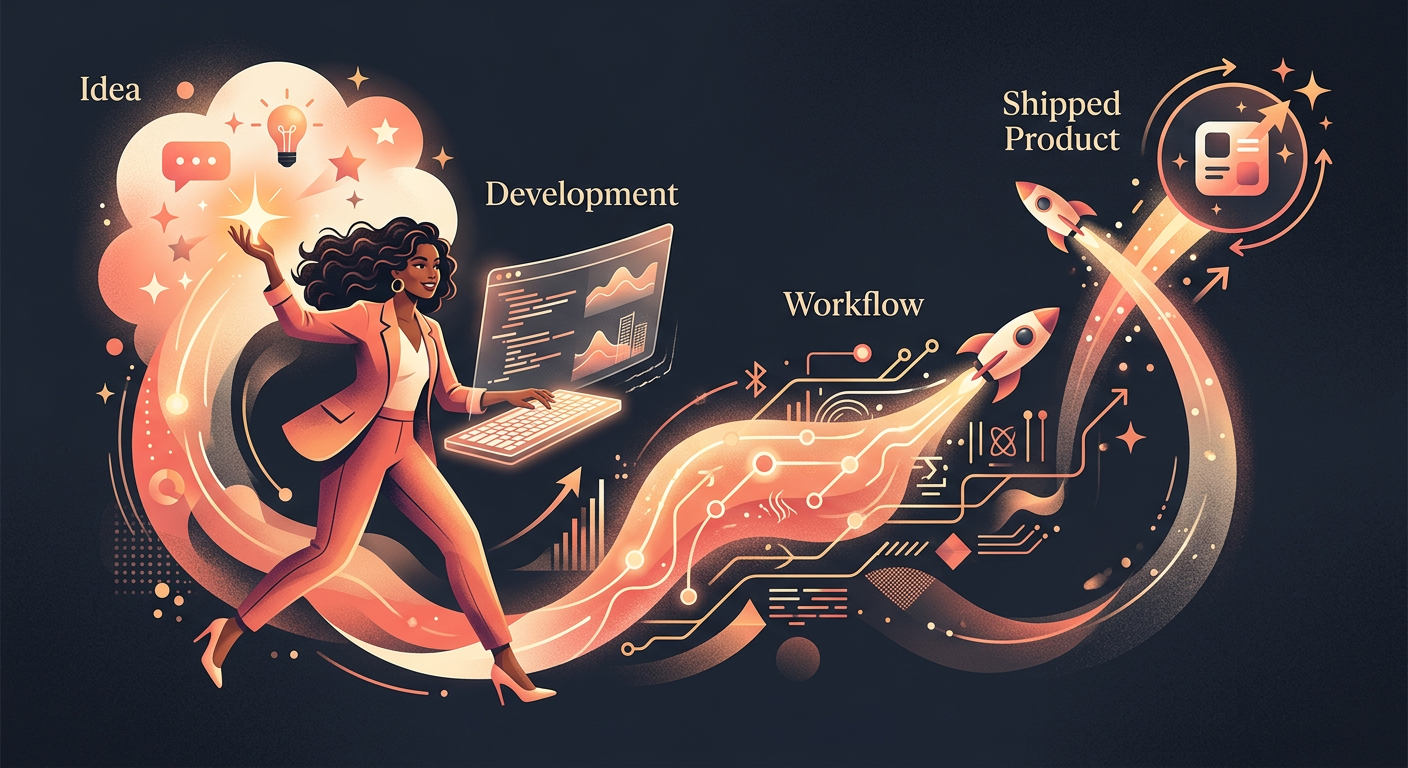
The Evolution of Development: Why You Need a Vibe Coding Workflow
The tech landscape is shifting beneath our feet. For decades, the barrier to entry for building digital products was the mastery of syntax, memory management, and complex architectural patterns. But as Kaci Brown, founder of VibecodHER, often teaches, we are entering the era of the "Vibe Coder." This isn't about ignoring the technical; it’s about elevating the creative intention.
To succeed in this new paradigm, you need more than just a subscription to an LLM (Large Language Model); you need a repeatable, scalable vibe coding workflow. This workflow allows you to move from a spark of inspiration to a fully functional, shipped product without getting bogged down in the traditional "syntax struggle."
In the VibecodHER community, we define vibe coding as the process of using natural language and high-level conceptual thinking to direct AI agents in the creation of software. It’s about being the conductor of an orchestra rather than the person carving the violin.
Phase 1: The Vision and Conceptualization
Every great product starts with a "vibe." Before you touch a single line of code or prompt an AI, you must define what the product feels like and what problem it solves. In a professional vibe coding workflow, skipping this step leads to "prompt drift," where the AI starts building features you don't need.
Defining the Core Intent
Start by writing a "Product Vibe Manifest." This isn't a 40-page technical requirement document. Instead, it should cover:
- The Problem: What is the specific pain point?
- The User Journey: How should the user feel when they use this?
- The Non-Negotiables: Which features are essential for a Version 1?
By clearly defining the intent, you provide the AI with the context it needs to make smart decisions when you aren't being hyper-specific. This is a core pillar we discuss in our founding members sessions-leadership starts with clarity.
The Moodboard for Logic
Just as a designer creates a visual moodboard, a vibe coder creates a logic moodboard. Collect screenshots of UI patterns you like, API documentation for services you want to integrate, and examples of similar logic flows. You can find many of these terms defined in our glossary.
Phase 2: Setting Your Technical Environment
While "vibe coding" sounds ethereal, the output is very real code. Your vibe coding workflow requires a "Digital Studio" where your AI agents can work effectively.
| Component | Recommended Tool | Purpose |
|---|---|---|
| Primary LLM | Claude 3.5 Sonnet / GPT-4o | The "Brain" for logic and architectural planning. |
| IDE | Cursor or VS Code with Extensions | The "Workspace" where code is written and refined. |
| Version Control | GitHub | The "Time Machine" to save progress and collaborate. |
| Deployment | Vercel or Netlify | The "Stage" where the world sees your work. |
Setting Up Cursor for Success
If you are serious about a fluid vibe coding workflow, tools like Cursor are transformative. They allow the AI to "see" your entire codebase, which prevents it from suggesting code that breaks existing features. This context-awareness is the difference between a buggy prototype and a shipped product.
Phase 3: The Iterative Prompting Cycle
This is the heartbeat of the vibe coding workflow. You don't just ask an AI to "build an app" and wait. You build in layers, much like a painter adding depth to a canvas.
1. The Architectural Prompt
Start by asking the AI to outline the file structure.
Example: "I want to build a React-based habit tracker. Before coding, please provide a proposed file structure and a list of the components we will need."
2. The Component Sprint
Build one piece at a time. Start with the data layer, move to the logic, and end with the UI. This ensures that if the AI makes a mistake, you catch it early before it compounds.
3. The "Vibe Check" (Debugging)
When the code doesn't work, don't just paste the error. Explain the delta between what you expected and what happened.
- Bad Prompt: "Fix this error: undefined is not a function."
- Good Vibe Prompt: "The login button is supposed to redirect to the dashboard, but it’s currently throwing an error in the console. Can you check if the routing logic matches the file structure we created earlier?"
Phase 4: Refinement and "Human-in-the-Loop"
Even the best AI can produce "hallucinated" code or inefficient patterns. This is where your role as the creative director becomes vital. In our workshops, we emphasize the "Human-in-the-Loop" strategy.
Code Review for Non-Coders
You don't need to be a Senior Engineer to review code. Look for:
- Redundancy: Is the AI writing the same function twice?
- Readability: Can you roughly understand what the code is doing based on the variable names?
- Alignment: Does the UI match the vision you set in Phase 1?
If something doesn't look right, ask the AI to "Refactor for clarity and performance." This is a crucial step in a professional vibe coding workflow to ensure the product is maintainable.
Phase 5: Styling and User Experience (UX)
Vibe coding really shines in the UI/UX phase. Since CSS and styling can be tedious, leading with a "vibe" allows you to achieve high-end aesthetics quickly.
- Use Component Libraries: Direct your AI to use libraries like Tailwind CSS or Shadcn UI. This gives the AI a "design system" to follow, ensuring consistency.
- Micro-interactions: Ask the AI to "add a subtle fade-in animation to the cards" or "create a smooth transition between these two states."
The goal is to make the product feel "expensive" and polished without spending weeks on CSS selectors. For more inspiration on aesthetics and tech, check out our blog for curated design patterns.
Phase 6: Deployment and Shipping
A product that lives on your laptop doesn't exist. The final stage of the vibe coding workflow is shipping.
- GitHub Sync: Push your code to a repository. This creates a professional backup.
- Environment Variables: Work with your AI to set up secret keys for databases or APIs. This is a common stumbling block for beginners.
- Continuous Deployment: Connect your GitHub to Vercel. Now, every time you "vibe" a new feature and push the code, your live site updates automatically.
This "Ship Early, Ship Often" mentality is a core value of the community. We celebrate every deployment, no matter how small.
Case Study: Building a Community Directory in 4 Hours
To illustrate the vibe coding workflow, let’s look at a recent project within VibecodHER. A member wanted to create a directory for women-led tech startups.
- The Idea: A searchable filterable list of companies.
- The Workflow:
- She used a "System Prompt" to tell the AI she wanted a minimalist, professional aesthetic.
- She directed the AI to generate a JSON file of dummy data to test the filters.
- She used Cursor's "Composer" mode to build the navigation and search bar in under an hour.
- She connected a Supabase database by asking the AI for a step-by-step integration guide.
- The Result: A live, functional MVP (Minimum Viable Product) that was shared in our Discord by the end of the afternoon.
This didn't require four years of a Computer Science degree; it required a clear vision and a disciplined vibe coding workflow.
Overcoming the "Blank Page" Syndrome
The biggest hurdle for many women entering tech is the fear of the unknown. Vibe coding removes the "syntax wall," but it can introduce "choice paralysis." If you find yourself stuck at the start of your workflow, remember Kaci Brown's advice: "The AI is your intern. Give it a task, even if it’s a small one, and start the conversation."
You don't need to know how the engine works to drive the car, but you do need to know where you're going.
Strategies for Maintaining Your Product
The vibe coding workflow doesn't end at deployment. Software needs maintenance.
- Documentation: Ask the AI to write a \`README.md\` file for your project. This explains how the project works so you (or a collaborator) can understand it six months from now.
- Feature Requests: Keep a "Vibe Backlog." When you have a new idea, don't rush to implement it. Add it to the list and plan your next "Vibe Session" around it.
- Community Support: When you hit a wall, lean on the founding members and the broader community. Sometimes a fresh set of eyes can spot a prompt error that you’ve missed.
Conclusion: The Future belongs to the Visionaries
The transition from "Writing Code" to "Directing Code" is the most significant shift in tech history. By adopting a structured vibe coding workflow, you are positioning yourself at the forefront of this revolution. You are no longer limited by what your fingers can type, but by what your mind can imagine.
At VibecodHER, we are committed to making sure women aren't just consumers of this technology, but the architects of it. Whether you are building an app for your small business or the next world-changing platform, your vibe matters.
Ready to start your journey? Learn more about our mission and join us in redefining what it means to be a developer.
Frequently Asked Questions
What exactly is a vibe coding workflow?
A vibe coding workflow is a systematic approach to building software using AI as the primary coding engine. It involves moving from a conceptual "vibe" or intent to a finished product through structured prompting, iterative development, and high-level architectural oversight, rather than focusing primarily on manual syntax.
Do I need to know any programming to use this workflow?
While you don't need to be an expert, having a basic understanding of "how things work" (like what a database is or how a browser loads a page) is very helpful. Our glossary and workshops are designed to bridge the gap between having a vision and understanding the technical landscape enough to direct the AI effectively.
How does vibe coding differ from traditional low-code/no-code tools?
No-code tools often confine you to a "walled garden" with limited customization. Vibe coding generates actual, professional-grade code (React, Python, etc.) that you own and can host anywhere. It offers the speed of no-code with the infinite flexibility and power of custom software development.
What should I do if the AI keeps giving me broken code?
This is usually a sign that the "context" is getting messy. In a proper vibe coding workflow, you should try starting a new chat session to clear the LLM's short-term memory, provide more specific constraints, or ask the AI to "explain its reasoning" before it writes the code. Often, the error lies in the AI making a wrong assumption that you can correct with a clearer prompt.
Can I really build a professional product this way?
Absolutely. Many startups are now using a vibe coding workflow to build their MVPs and even production-ready features. The key is the "Human-in-the-Loop" phase where you ensure the logic is sound and the user experience is polished. By combining AI speed with human direction, you can often out-pace traditional development teams.
Your Next Step in Vibe Coding for Women
Ready to ship your first AI-built product? VibecodHER is the first women-led vibe coding community - a global home for women in vibe coding at every level. Join the free community and start today.